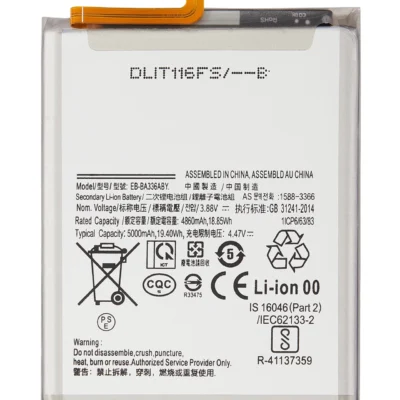
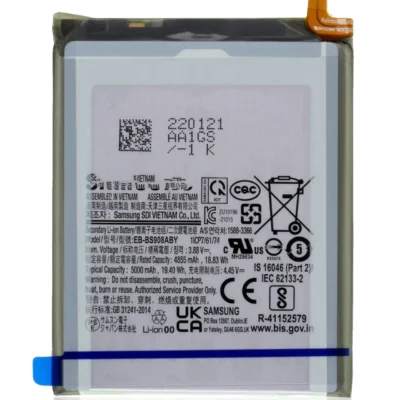
Product details
A weak battery does not necessarily mean you need a new phone. The Galaxy A54 5G still offers a sharp AMOLED display, useful cameras, 5G connectivity and expandable storage. Replacing a worn battery can make practical sense when the rest of the device remains in good condition.
Our technicians assess the phone before opening it. We look at battery health, charging behaviour, temperature and power consumption instead of assuming that every short-runtime complaint requires replacement.
Samsung A54 Battery Replacement Price in Kenya
Samsung Galaxy A54 battery replacement costs KSh 5,000 at Ringgs Phone Store in Nairobi CBD. The price covers the confirmed compatible battery option and installation.
Send the complete model number before visiting. Regional A54 variants may add different letters after SM-A546, and accurate identification helps us prepare the correct component.
Verified A54 Battery Specifications
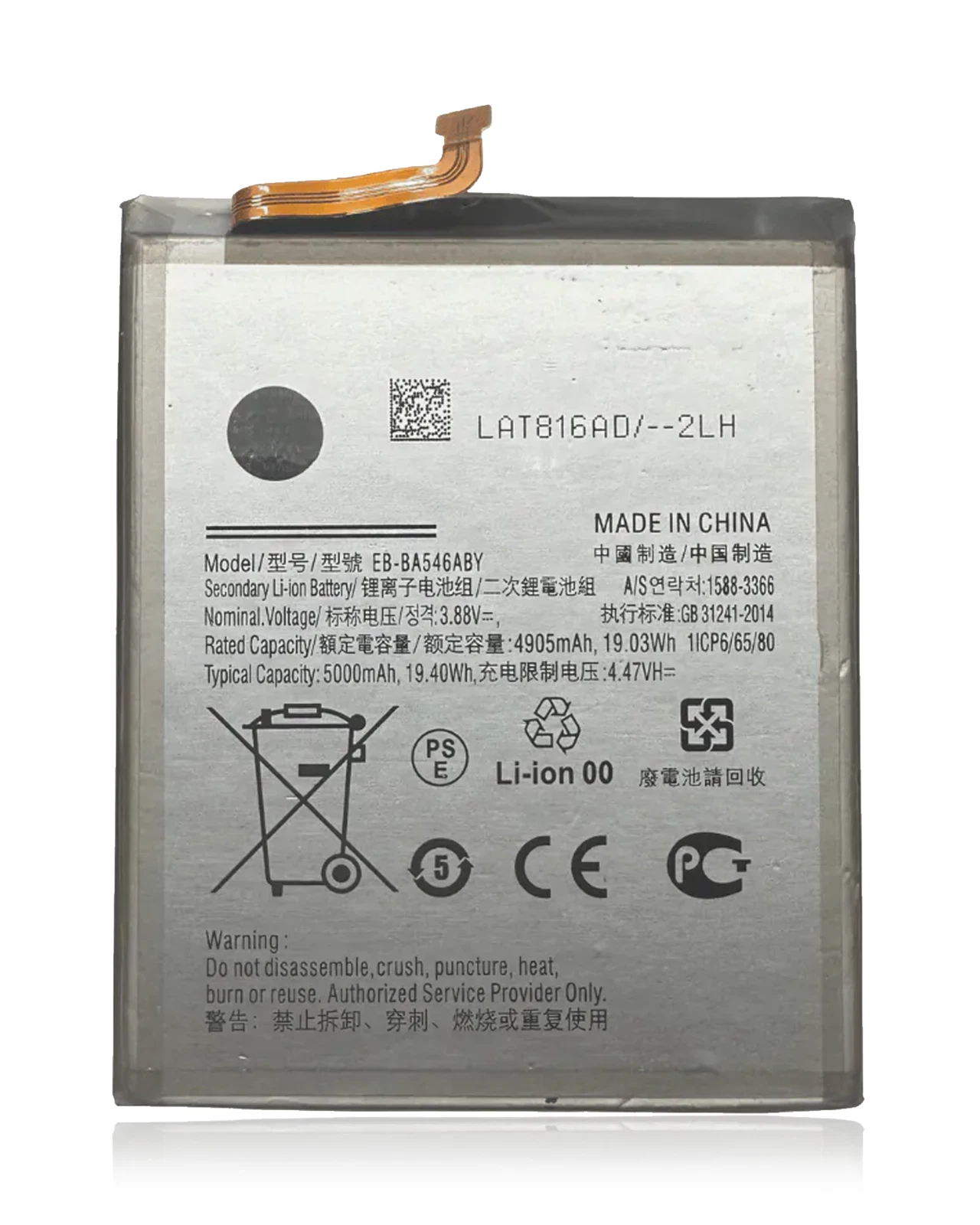
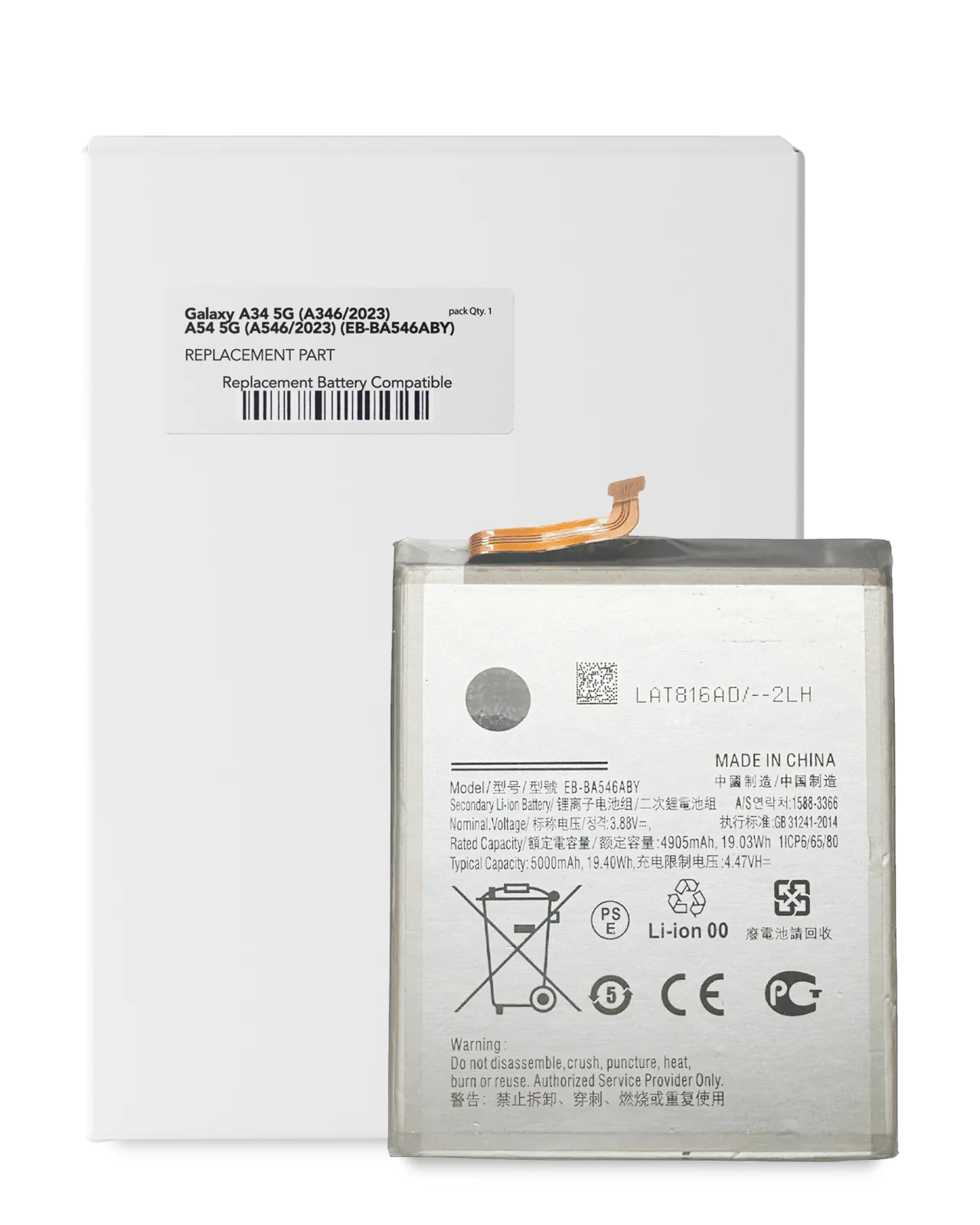
Samsung designed the Galaxy A54 5G with a 5,000mAh typical battery capacity and a 4,905mAh rated capacity. The device supports wired charging at up to 25W but does not support wireless charging.
Samsung confirms the capacity and rated value on its official Galaxy A54 product page. Its official A54 specification sheet lists 25W charging support.
The typical capacity represents an estimated average across tested battery samples. It does not promise identical runtime for every owner or usage pattern.
Why Replacing the Battery Can Extend the Phone’s Useful Life
Lithium-ion batteries lose capacity through age, charging cycles, heat and daily use. The decline may become noticeable long before the processor, cameras or display reach the end of their useful lives.
A suitable replacement can address ageing-related power problems such as:
- Shorter time between charges
- Shutdowns under heavy demand
- Unstable battery percentages
- Reduced performance at low charge
- Frequent reliance on a power bank
- Charging several times each day
Battery replacement cannot fix unrelated faults. A damaged charging port, power-management circuit or energy-hungry application needs a different solution.
Camera Shutdowns and Voltage Drop
The A54 cameras, image processing and screen can request a sudden increase in power while recording video or taking repeated photographs. An ageing battery may struggle to maintain voltage during that demand.
You may see the phone restart, close the camera or lose several percentage points quickly. Tell us which activity triggers the shutdown because that detail helps with diagnosis.
Warning Signs Beyond Short Runtime
Arrange an assessment when your Galaxy A54 shows:
- Power loss while sitting idle
- Shutdowns above 15% or 20%
- A percentage that changes after restarting
- Excessive heat during messaging or calls
- Charging that pauses repeatedly
- Slow charging with tested accessories
- A battery-condition warning
- Reduced performance before the charge becomes low
- Sudden restarts during 5G use
- A gap between the back glass and frame
- Screen lifting without an external impact
- A chemical smell, smoke or unusual heat
Switch the phone off immediately if you notice smoke, a burning smell or severe heat. Move it away from combustible materials and seek professional assistance.
Measure Battery Health Before Deciding
Use the Samsung Members diagnostic tool for an initial check:
- Open Samsung Members.
- Tap Support.
- Choose Phone diagnostics.
- Select Battery status.
You can also inspect application consumption under Settings > Battery. Look for unexpected background activity, especially after installing or updating an application.
Diagnostics provide useful evidence, but they do not replace physical inspection when the phone shows swelling, overheating or charging instability.
Battery Drain Caused by Everyday Settings
The Galaxy A54 can consume more power when you:
- Use maximum screen brightness
- Keep the 120Hz display active
- Record long 4K videos
- Work in an area with weak 5G signal
- Use navigation for extended journeys
- Run a mobile hotspot
- Synchronise many cloud accounts
- Allow applications unrestricted background access
- Stream video over mobile data
- Use the camera and location services together
These activities do not automatically indicate a defective battery. Compare performance under similar conditions and review the battery-health result before deciding.
Slow Charging Needs Its Own Diagnosis
The A54 supports up to 25W wired charging, but several factors determine the actual speed:
- Charger compatibility
- USB-C cable condition
- Debris inside the port
- Phone temperature
- Charging settings
- Application use during charging
- Battery condition
- USB-C port wear
- Charging-board or motherboard faults
A new battery will not repair a damaged USB-C port. We test charging recognition and inspect the connector before recommending the most appropriate service.
Swollen A54 Battery Safety
The A54 has a glass back panel. A swollen battery may push this glass away from the frame or place pressure on the display.
If the phone starts separating:
- Stop using it.
- Disconnect every charging accessory.
- Do not squeeze the glass back into position.
- Do not puncture, bend or heat the device.
- Keep it away from children and flammable materials.
- Bring it for professional inspection without unnecessary delay.
Do not keep charging the phone to “test” a swollen battery. That adds heat to an already damaged component.
Opening a Glass-Backed A54
Battery replacement requires access through the sealed phone body. The glass back needs careful handling, especially if a previous drop has cracked or weakened it.
Tell us about existing back-glass damage before the repair. A cracked panel may affect access, reassembly, cost or turnaround.
Checks Performed During the Battery Service
Our technician examines:
- The complete SM-A546 model code
- Physical battery condition
- Signs of swelling or leakage
- Battery and device temperature
- USB-C port cleanliness and stability
- Charger and cable response
- Power-on behaviour
- Battery-percentage consistency
- Unexpected restart symptoms
- Back-glass condition
- Screen and frame alignment
- Basic charging after installation
We confirm that the device powers on and recognises charging. Several days of normal use provide a better picture of endurance than a brief bench test.
A54 Battery Replacement Time
We generally complete an uncomplicated Galaxy A54 battery replacement within one hour when the compatible component is in stock.
Cracked back glass, liquid damage, frame distortion or a faulty charging port may extend the service. We will explain any additional issue before carrying out work beyond the battery replacement.
Water Resistance After Battery Service
Samsung originally rated the Galaxy A54 5G at IP67 under controlled laboratory conditions. Opening the phone can affect its original seals, and water resistance also declines through wear and previous damage.
Do not assume factory-level water protection after battery replacement. Keep the device away from rain, pools, sinks and steam.
Build Better Charging Habits
Help the replacement battery avoid unnecessary heat:
- Use a compatible power adapter and dependable USB-C cable.
- Remove the phone from direct sunlight before charging.
- Pause demanding games and video recording while connected.
- Keep the charging port dry and free from compacted debris.
- Review applications that run continually in the background.
- Use battery-protection settings that suit your routine.
- Avoid leaving the phone inside a hot vehicle.
- Disconnect it if charging causes unusual heat.
You do not need to discharge the A54 to zero before every charge. Modern lithium-ion batteries support partial charging.
Arrange Samsung A54 Battery Replacement in Nairobi CBD
Visit Ringgs Phone Store at St. Ellis House, City Hall Way, opposite the Supreme Court, Nairobi CBD.
Call or WhatsApp 0724 000144. Tell us whether the A54 drains quickly, restarts during camera use, overheats, charges slowly or shows separation around the back glass.
Explore More Samsung Products and Repair Services
Samsung A54 battery replacement Nairobi, Galaxy A54 battery repair, Samsung A54 power diagnosis Nairobi CBD, Samsung repair centre Kenya.
- Explore more Samsung Galaxy Battery Replacement services.
- View our Samsung Galaxy Screen Replacement options.
- Browse available Samsung smartphones in Kenya.
Frequently Asked Questions
1. What is the Samsung A54 battery replacement price in Kenya?
Samsung Galaxy A54 battery replacement costs KSh 5,000 at Ringgs Phone Store in Nairobi CBD.
2. Is replacing the battery worthwhile if the A54 still works well?
It can be worthwhile when battery ageing causes the main problem and the display, cameras, charging system and motherboard remain in good condition. Diagnosis helps you make that decision.
3. What capacity does the Galaxy A54 battery have?
Samsung specifies 5,000mAh typical capacity and 4,905mAh rated capacity for the Galaxy A54 5G.
4. Can Ringgs Phone Store complete the repair within one hour?
We generally finish a standard replacement within one hour when the compatible battery is available and no extra charging or structural faults require attention.
5. Why does my A54 switch off while recording video?
An ageing battery may struggle with the camera’s sudden power demand. Overheating, software faults and internal power problems can cause similar shutdowns, so the phone needs testing.
6. Does the Galaxy A54 support wireless charging?
No. The Galaxy A54 5G supports wired USB-C charging but does not include built-in wireless charging support.
7. Will a new battery fix slow 25W charging?
Only when battery condition causes the slowdown. An incompatible adapter, faulty cable, dirty port, high temperature or charging-board fault may limit charging speed.
8. What should I do if the glass back starts lifting?
Stop using and charging the phone. Do not press the glass down. A swollen battery may be pushing from inside, so arrange professional inspection promptly.
9. Will the phone retain its original IP67 rating?
Do not assume it will retain factory-level resistance after opening. Protect the repaired A54 from water and other liquids.

There are no reviews yet.