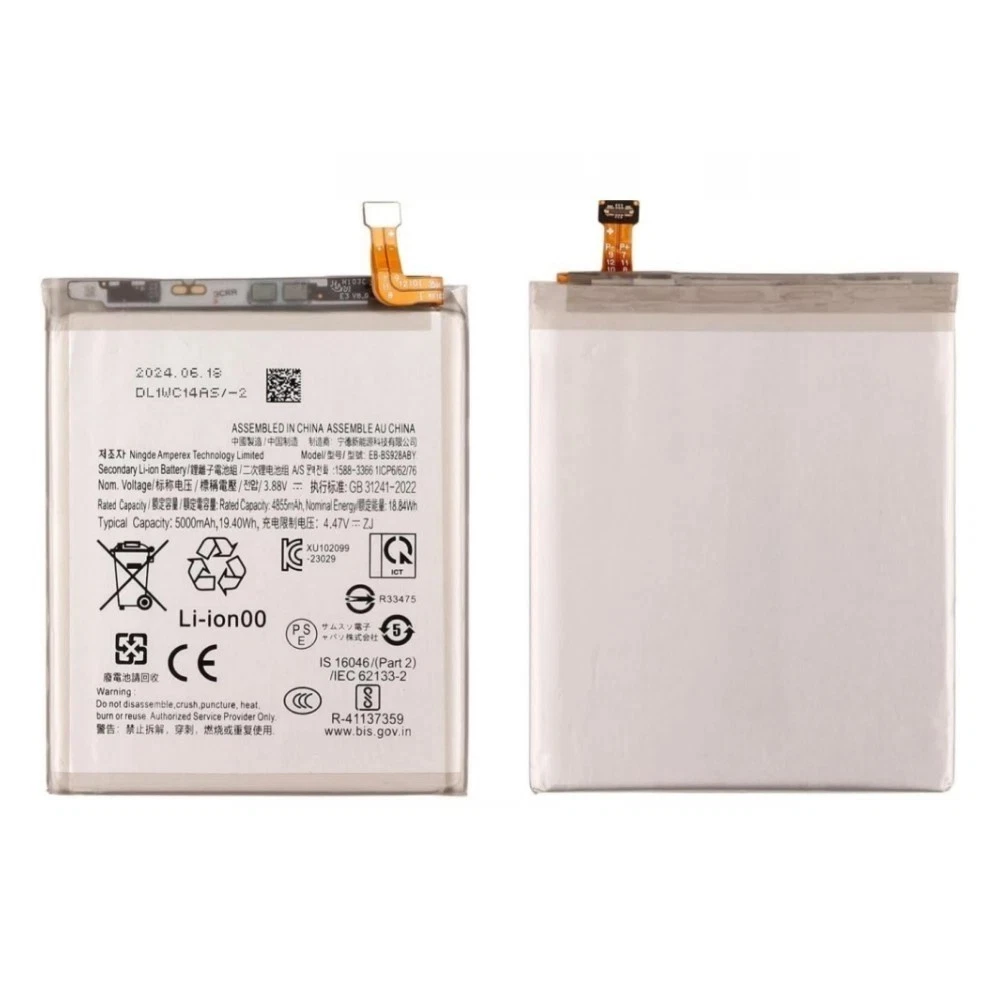
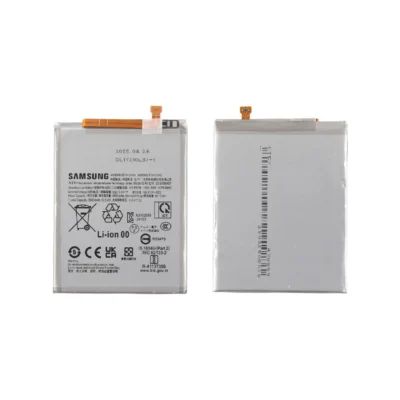
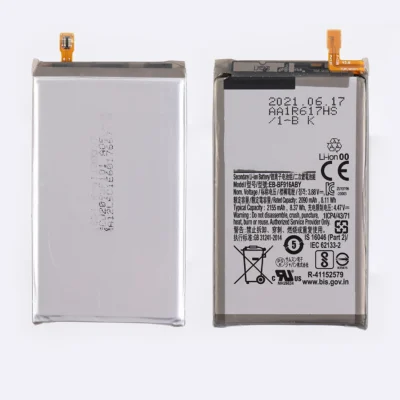
Product details
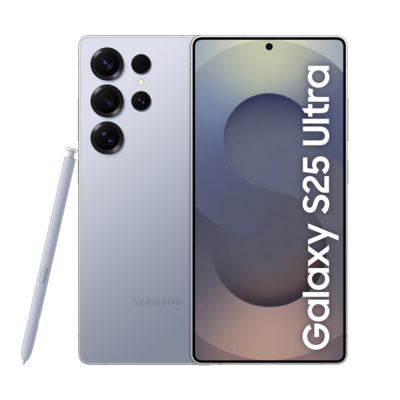
The Galaxy S24 Ultra combines a bright adaptive display, Snapdragon 8 Gen 3 for Galaxy processor, advanced camera hardware, S Pen and on-device AI capabilities. These features need stable power to operate reliably throughout the day.
A deteriorating battery can shorten usage time, trigger irregular percentage changes and interrupt demanding activities. Replacing the battery may restore more predictable power delivery when age or damage causes the problem.
Symptoms of a Declining S24 Ultra Battery
Your phone may need battery testing if it:
- Runs out of power much earlier than expected
- Loses several percentage points within a short period
- Shuts down while the indicator still shows charge
- Restarts during gaming, video editing or camera use
- Needs repeated top-ups during ordinary use
- Becomes unusually hot without a demanding workload
- Charges inconsistently with suitable equipment
- Receives a Weak or Bad result in Samsung Members
- Develops a raised or separating rear cover
You can perform an initial check through Samsung Members > Support > Phone diagnostics > Battery status. This result provides useful information, but a physical inspection may still be necessary when the phone displays serious symptoms.
A 5,000mAh Battery Supporting Mobile AI
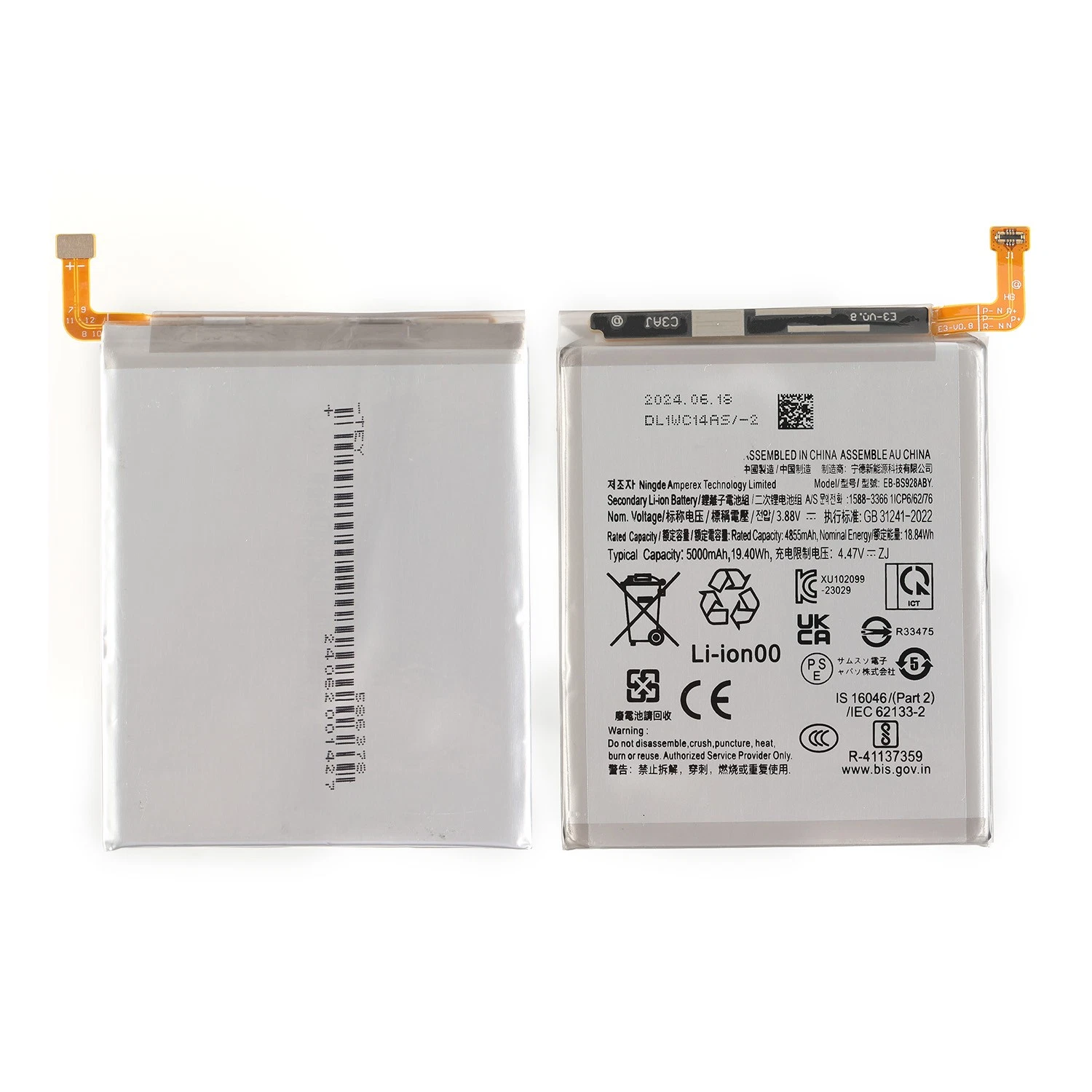
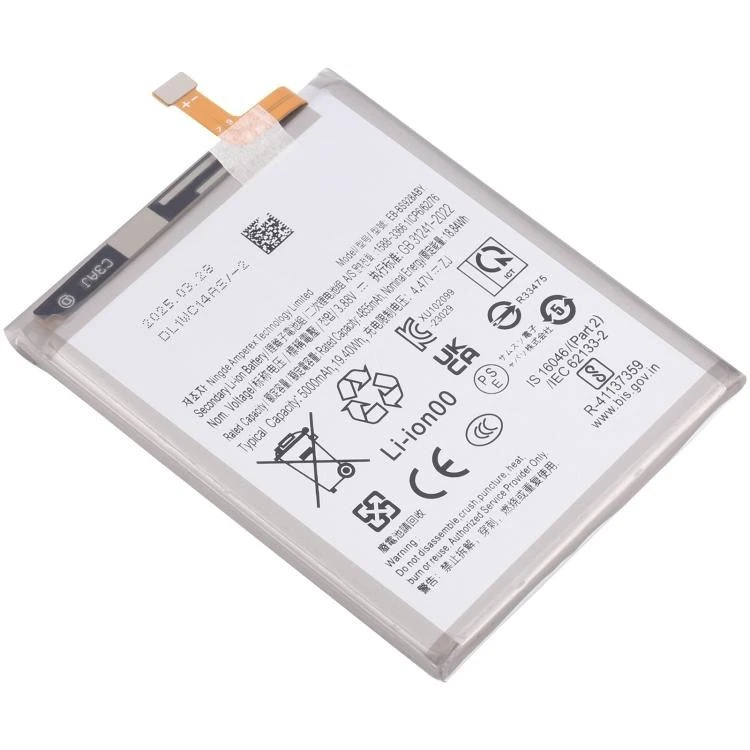
Samsung equipped the S24 Ultra with a 5,000mAh typical-capacity battery and a rated minimum capacity of 4,855mAh. It supplies power to the phone’s Galaxy AI features, adaptive 1–120Hz display, 5G connectivity and high-performance processor.
AI processing, gaming, camera work and other intensive tasks may naturally use more power than calls or messaging. However, an aged battery can make normal consumption feel excessive by holding less energy than it did when new.
Samsung lists the phone’s capacity, charging technologies and IP68 rating in its official Galaxy S24 Ultra specifications.
Separating Battery Wear From Software Activity
The S24 Ultra uses software to manage background processes and energy consumption. Following an update, restoration or installation of several applications, temporary system activity may increase battery use without indicating permanent battery damage.
Before proceeding with replacement, we consider factors such as:
- Recently installed or frequently active applications
- High screen brightness and extended display use
- Weak mobile reception
- Continuous location or hotspot use
- Camera, gaming and video-editing workloads
- A damaged USB-C cable
- An incompatible charging adapter
- Debris or wear inside the charging port
- Charging-board or motherboard faults
This diagnostic approach helps determine whether the battery or another part of the power system needs attention.
What 45W Charging Really Requires
The Galaxy S24 Ultra supports wired charging at up to 45W. Reaching higher charging speeds requires compatible equipment, including a suitable power adapter and cable.
The phone may also slow charging when it becomes warm or approaches a high charge level. A battery replacement cannot correct a faulty adapter, damaged cable, obstructed USB-C port or defective charging circuit. We therefore check charging response instead of relying only on the time taken to reach 100%.
Wireless Charging and PowerShare Protection
The Galaxy S24 Ultra supports Fast Wireless Charging 2.0 and Wireless PowerShare. These systems rely on internal components positioned beneath the rear panel, close to the area opened for battery access.
Careful handling protects the wireless-charging assembly during replacement. Where practical, we check wireless charging after reassembly alongside the wired connection and normal battery detection.
Swelling Requires Immediate Attention
Stop charging and using the phone if its rear panel begins lifting without an impact-related cause. Battery swelling can place pressure on the back cover and nearby internal components.
Do not push the panel down, bend the phone or attempt to puncture the battery. Move the device away from heat and combustible objects, then arrange professional inspection promptly. A swollen lithium-ion battery should never enter ordinary household waste.
Battery Replacement and IP68 Protection
Samsung originally rated the Galaxy S24 Ultra at IP68 under controlled laboratory conditions. Accessing its battery requires opening the rear panel and disturbing the original adhesive seal.
We can reseal the phone during reassembly, but we cannot guarantee its factory water resistance after opening. Protect the repaired device from rain, spills, steam, pools and deliberate liquid exposure.
Post-Installation Quality Checks
After fitting the battery, we inspect relevant functions such as:
- Correct battery recognition
- USB-C charging response
- Stable startup and restarting
- Basic power behaviour
- Unusual temperature changes
- Rear-panel fit and alignment
- Touchscreen and physical buttons
- S Pen detection
- Wireless charging where testing conditions permit
If the phone shows evidence of a different charging or motherboard problem, we can explain the finding separately.
S24 Ultra Battery Replacement in Nairobi CBD
Ringgs Phone Store offers Samsung Galaxy S24 Ultra battery replacement for KSh 5,000. Most straightforward replacements can take approximately one hour after inspection, subject to battery availability and the phone’s condition.
Visit us at St. Ellis House, City Hall Way, opposite the Supreme Court, Nairobi CBD. We serve customers from Kilimani, Westlands, Upper Hill, Parklands, Ngara, Eastleigh, South B, South C and other areas around Nairobi. Call or WhatsApp 0724 000144 before visiting.
Explore More Samsung Products and Repair Services
S24 Ultra battery replacement Nairobi, Galaxy S24 Ultra battery repair, Samsung S24 Ultra charging diagnosis Nairobi CBD, Galaxy AI phone battery service Kenya.
- Explore more Samsung Galaxy Battery Replacement services.
- View our Samsung Galaxy Screen Replacement options.
- Browse available Samsung smartphones in Kenya.
Frequently Asked Questions
1. How much is Samsung Galaxy S24 Ultra battery replacement in Kenya?
The Samsung Galaxy S24 Ultra battery replacement price is KSh 5,000 at Ringgs Phone Store in Nairobi CBD.
2. How long does S24 Ultra battery replacement take?
A straightforward replacement can take approximately one hour after inspection. Battery availability and additional damage may affect the completion time.
3. What is the Galaxy S24 Ultra battery capacity?
The phone has a 5,000mAh typical battery capacity and a rated minimum capacity of 4,855mAh.
4. How can I check the battery condition?
Open Samsung Members, select Support, enter Phone diagnostics, and choose Battery status. The application may classify the battery as Normal, Weak or Bad.
5. Can Galaxy AI features drain the S24 Ultra battery?
AI processing can consume power, particularly alongside camera, display or network activity. Unusually poor endurance during light use may justify battery and software diagnosis.
6. Does the S24 Ultra support 45W charging?
Yes. It supports wired charging at up to 45W with compatible equipment. Actual speed varies with the adapter, cable, temperature, battery percentage and device activity.
7. Can you replace a swollen S24 Ultra battery?
Yes, subject to inspection. Stop using and charging the phone if its rear cover starts lifting, and do not force the cover closed.
8. Will the S24 Ultra remain waterproof after battery replacement?
Opening the phone affects its original adhesive seals. Although we can reseal the rear panel, you should not assume that factory-level IP68 protection remains after repair.
9. Where can I replace my S24 Ultra battery in Nairobi?
Visit Ringgs Phone Store at St. Ellis House, City Hall Way, opposite the Supreme Court, Nairobi CBD. Call or WhatsApp 0724 000144 before travelling.
There are no reviews yet.