Product details
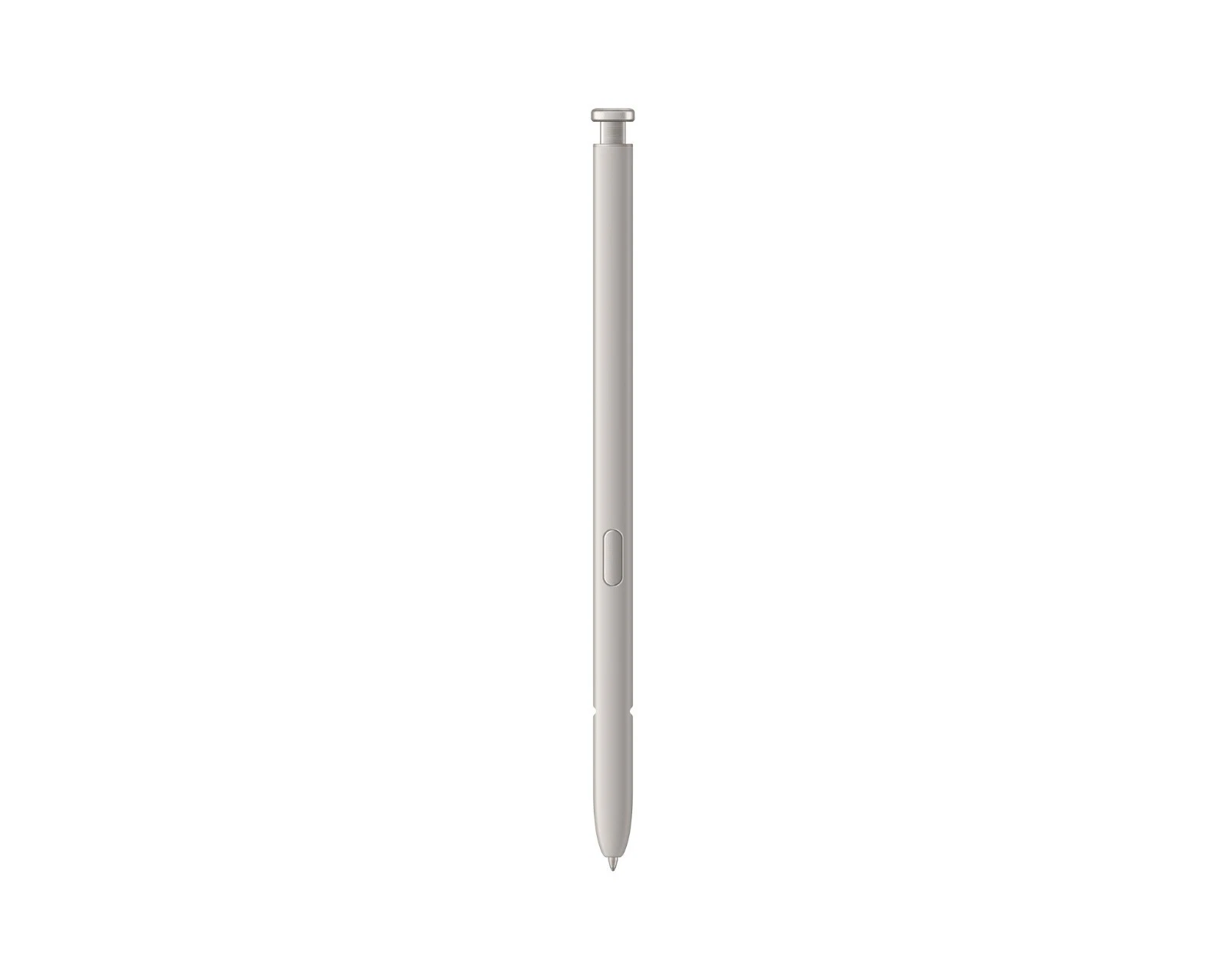
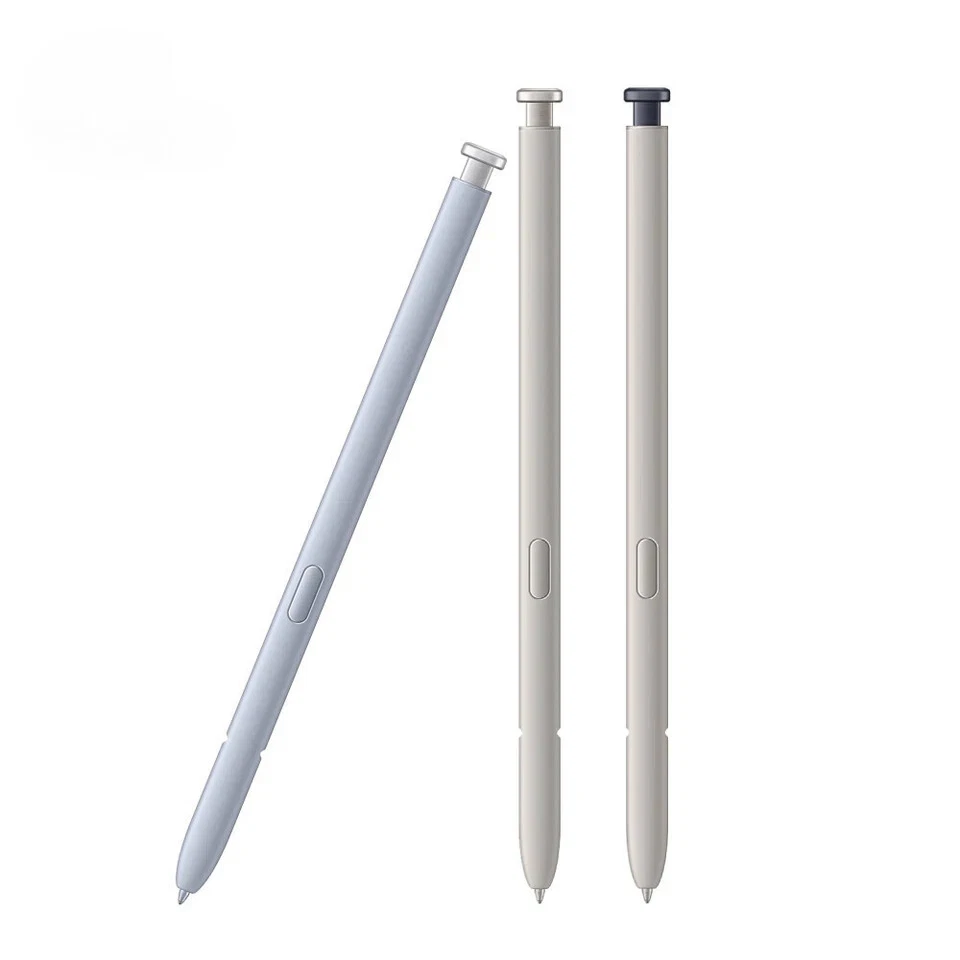
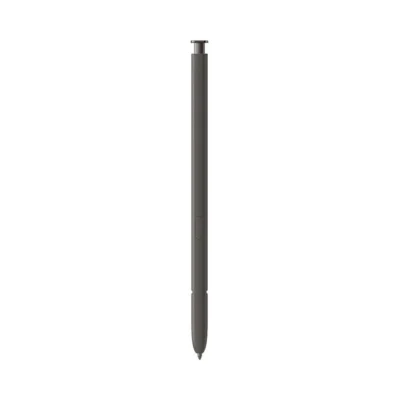
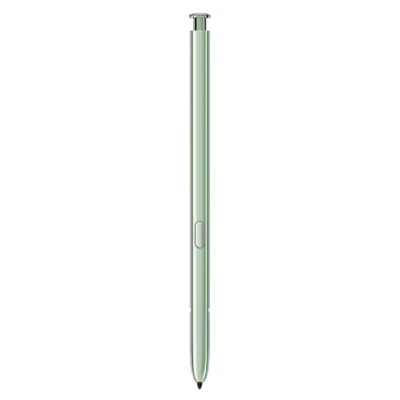
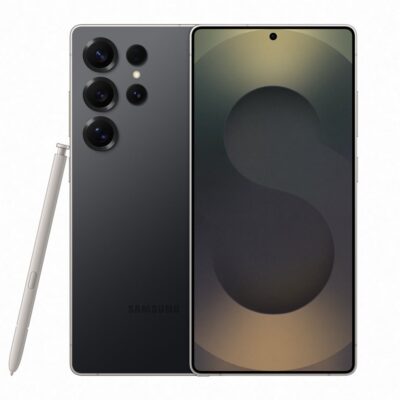
The Samsung Galaxy S22 Ultra S Pen price in Kenya is Ksh 8,000 at Ringgs Phone Store. It replaces a missing or damaged EJ-PS908 stylus and supports natural handwriting, accurate drawing, Bluetooth Air Actions and remote camera control.
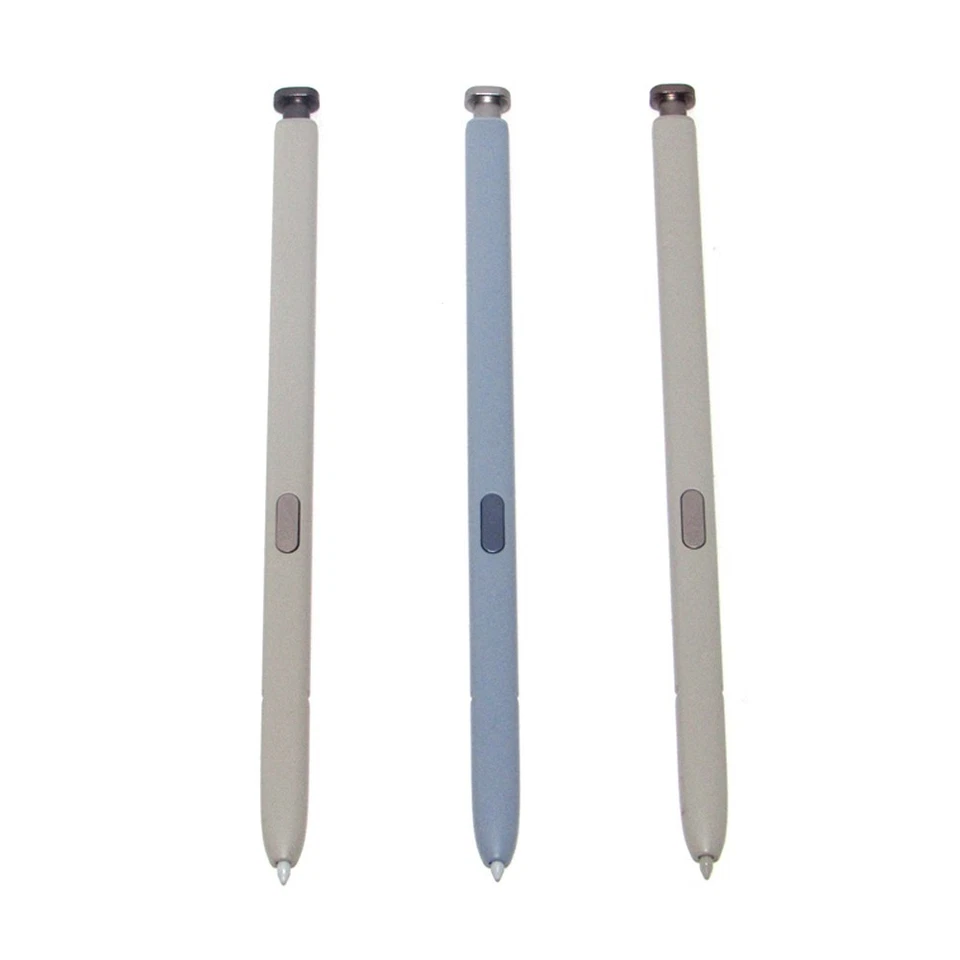
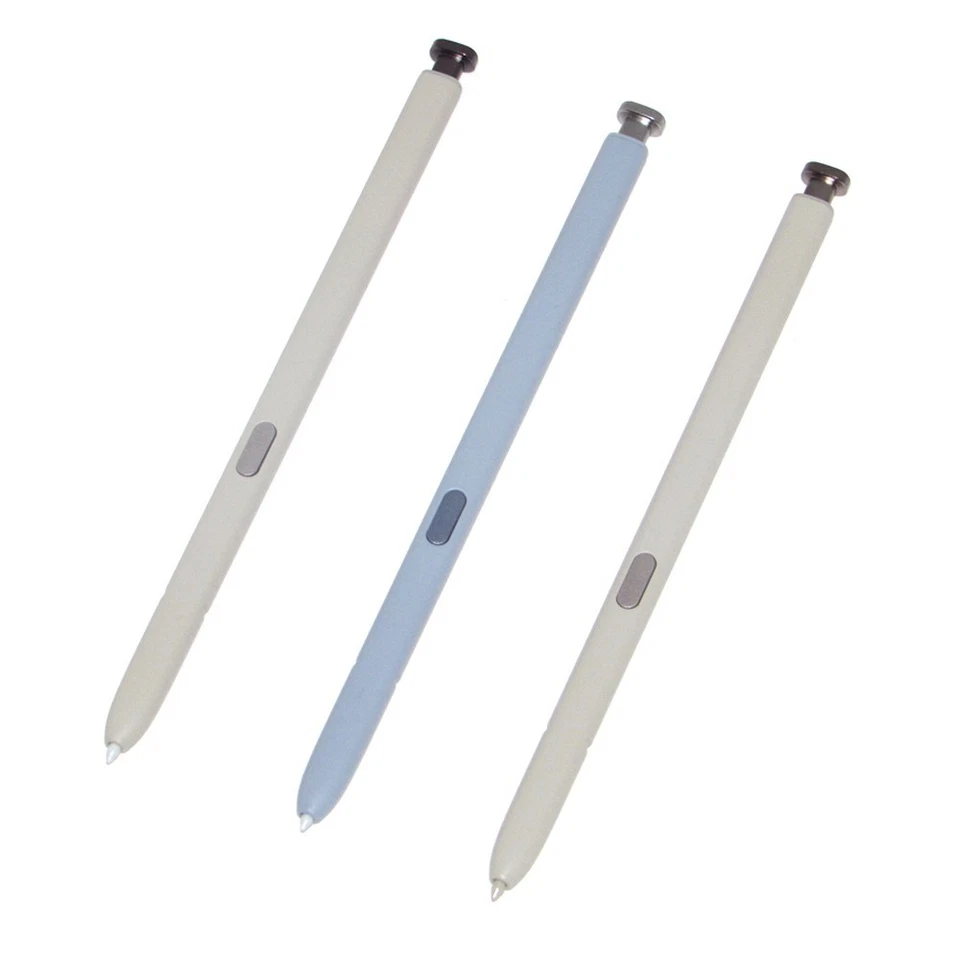
Call or WhatsApp 0724 000144 to check stock, colour choices and compatibility with your phone.
What Makes This S Pen Useful?
It Restores the Note DNA inside the S22 Ultra
Samsung built the Galaxy S22 Ultra around an integrated pen rather than treating stylus support as an optional addition. The S Pen sits inside the phone, charges there and remains within reach whenever you need to record an idea.
Replacing it restores both function and convenience. You do not have to carry a separate stylus, search through a bag or leave the phone’s storage compartment empty.
It Gives Your Hand a More Accurate Tool
The 0.7mm tip reaches screen elements that can feel too small beneath a fingertip. It helps when placing a cursor, selecting text, tracing around an image or writing inside a narrow form field.
With 4,096 pressure levels, compatible applications recognise variations in writing force. Use a light touch for a delicate stroke or press more firmly when you want a stronger line.
It Controls the Phone without Touching It
Bluetooth allows the S22 Ultra S Pen to communicate with the phone from a distance. Press the button or perform a supported Air Action to control selected applications without returning to the display.
This turns the pen into a practical remote for photographs, presentations, media and other compatible tasks.
What Can You Do with It?
Write before Unlocking the Phone
Remove the pen while the display is off and Screen Off Memo can open immediately. Write down an address, instruction, calculation or thought without navigating through the phone first.
You can save the note and develop it later in Samsung Notes.
Convert Handwriting into Typed Words
The S22 Ultra can convert supported handwriting into editable digital text. This allows you to write in compatible fields, create a rough paragraph or enter a search query without relying entirely on the keyboard.
Recognition depends on handwriting clarity, language support and software settings. Review names, figures and contact information before sending them.
Capture Photographs from a Distance
Place the phone on a stable surface, frame the scene and press the S Pen button to release the shutter. You can join a group photograph or record content without stretching toward the screen.
Depending on the active camera settings, supported gestures can also switch cameras, change shooting modes or adjust zoom.
Control Presentations and Entertainment
Compatible presentation applications can respond to S Pen commands, allowing you to move through slides while speaking away from the handset.
Media applications may support play, pause, track navigation or volume adjustment. The exact controls vary by application.
Select, Capture and Explain
Smart Select lets you isolate a useful section of the screen. Screen Write captures the display and prepares it for handwritten notes, highlights and arrows.
These functions work well when sharing directions, correcting a document or drawing attention to one figure in a long conversation.
Translate or Magnify Details
Air Command gives you access to tools such as Translate and Magnify. Hover over supported text to view a translation or enlarge a small part of the display while leaving the rest of the page unchanged.
Feature availability can depend on the selected language, application, software version and internet connection.
Understanding Bluetooth, Range and Charging
The S22 Ultra S Pen uses Bluetooth for remote features. Its operating distance can reach approximately 10 metres in open surroundings, although physical obstacles and wireless interference may reduce that range.
The phone recharges the pen when you return it to its internal compartment. A full charge takes approximately seven minutes and can provide around 20 minutes of continuous Air Action use or up to 24 hours on standby.
These battery estimates apply to Bluetooth commands. Direct writing does not depend on the Bluetooth charge. A pen that writes but cannot control the camera may simply need to recharge or reconnect.
Samsung lists writing, remote and gesture controls, IP68 protection, the 0.7mm tip and 4,096 pressure levels on its official Galaxy S22 Ultra S Pen page.
Compatibility: Check Before You Buy
The EJ-PS908 S Pen is intended for the Samsung Galaxy S22 Ultra. The standard Galaxy S22 and Galaxy S22+ do not contain the required S Pen hardware or an internal pen compartment.
A stylus from another Note or Galaxy Tab device may offer basic writing on the S22 Ultra, but that does not guarantee:
- A safe internal fit
- Automatic charging
- Bluetooth pairing
- Remote Air Actions
- Correct insertion detection
- Reliable button behaviour
Galaxy Z Fold pens use a different tip system created for foldable displays and should not be used as S22 Ultra replacements.
If you are unsure about your phone, open Settings → About phone and confirm that the device is a Galaxy S22 Ultra before ordering.
Is This the Right Replacement for You?
Consider replacing your S Pen if:
- The original pen has gone missing.
- Its body has cracked or bent.
- The click mechanism no longer operates correctly.
- The tip produces interrupted lines.
- The button responds inconsistently.
- Air Actions fail after charging and resetting the pen.
- You received a second-hand S22 Ultra without its stylus.
- You want a spare pen for future use.
- You plan to sell the phone as a complete unit.
If the problem affects only the tip, ask whether a compatible replacement nib can restore normal writing before buying the complete pen.
Before Leaving the Shop
Test both direct writing and remote functions with your own Galaxy S22 Ultra.
- Open Samsung Notes and write several sentences.
- Draw long lines across different areas of the screen.
- Compare light and firm pressure.
- Hover the tip and follow the on-screen pointer.
- Press the button near the display to open Air Command.
- Insert the S Pen and confirm that the phone detects it.
- Leave it inside long enough to recharge.
- Open the Air Actions menu and connect the pen.
- Test the camera shutter from a short distance.
- Confirm that the S Pen fits and releases correctly.
Do not force the accessory into the phone. A correctly matched pen should slide into the compartment smoothly.
When the S Pen May Not Be the Problem
A magnetic phone case, ring holder or car-mount plate can interfere with the screen’s pen-recognition layer. The result may look like a defective stylus: broken lines, curved strokes or an unresponsive section of the display.
Remove magnetic accessories and test again. If another compatible S Pen develops the same fault in the same location, the display digitiser may require inspection.
When writing works but Bluetooth commands fail:
- Return the pen to the phone to recharge.
- Open Settings → Advanced features → S Pen.
- Confirm that Air Actions are active.
- Use the reset option.
- Leave the S Pen inside the phone during reconnection.
- Restart the handset if necessary.
Buy the S22 Ultra S Pen in Nairobi
Buy the Samsung Galaxy S22 Ultra S Pen for Ksh 8,000 from Ringgs Phone Store in Nairobi CBD.
Call or WhatsApp 0724 000144 to confirm stock and available colours. Visit us at St. Ellis House, City Hall Way, opposite the Supreme Court, Nairobi.
Our central shop serves customers from Nairobi CBD, Westlands, Parklands, Ngara, Pangani, Eastleigh, Kilimani, South B, South C and other surrounding areas.
Continue Your Galaxy Search
Searching for a Galaxy S22 Ultra replacement pen in Kenya, an EJ-PS908 stylus in Nairobi or professional assistance with your Samsung phone? Explore these Ringgs Phone Store categories:
- Browse available Samsung smartphones in Kenya.
- Find Samsung Galaxy Screen Replacement services.
- View Samsung Galaxy battery replacement options.
Frequently Asked Questions
1. What is the Samsung Galaxy S22 Ultra S Pen price in Kenya?
The Samsung Galaxy S22 Ultra S Pen costs Ksh 8,000 at Ringgs Phone Store in Nairobi CBD.
2. Where can I buy an S22 Ultra S Pen in Nairobi?
Visit Ringgs Phone Store at St. Ellis House, City Hall Way, opposite the Supreme Court. Call or WhatsApp 0724 000144 to confirm availability.
3. Does the Galaxy S22 Ultra S Pen have Bluetooth?
Yes. Bluetooth supports remote Air Actions, camera operation and compatible gesture controls.
4. Can I use the S Pen as a remote camera shutter?
Yes. Once connected and sufficiently charged, pressing the S Pen button can take a photograph remotely.
5. How far away can the S Pen remote work?
Samsung lists a maximum range of approximately 10 metres in open space. Obstacles and wireless interference may shorten the distance.
6. How does the S22 Ultra S Pen charge?
The S Pen charges automatically when inserted fully into the Galaxy S22 Ultra’s built-in compartment.
7. Can it still write when the Bluetooth charge is depleted?
Yes. Direct writing can continue without Bluetooth power. Air Actions and remote controls require the pen to be charged and connected.
8. Is this pen compatible with the Galaxy S22+?
No. The Galaxy S22+ does not include the S22 Ultra’s integrated S Pen system or storage slot.
9. Why does the replacement write but fail to use Air Actions?
It may require charging or resetting. It could also be a different Galaxy S Pen that supports writing but cannot pair fully with the S22 Ultra.
10. Can I use a Galaxy Z Fold S Pen on the S22 Ultra?
No. Fold Edition pens use a specialised tip for foldable screens and are not suitable replacements for the Galaxy S22 Ultra S Pen.
There are no reviews yet.