Product details
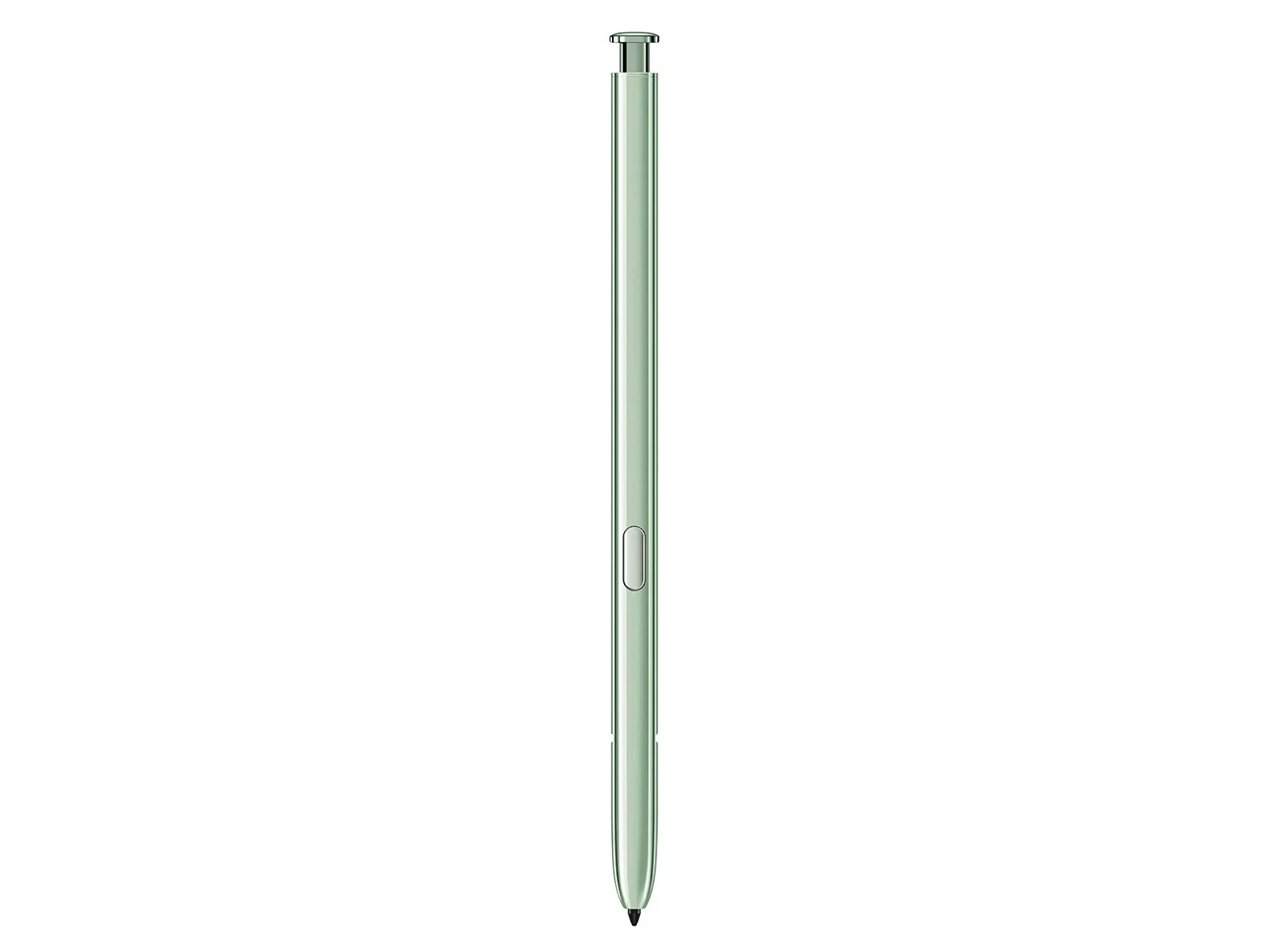
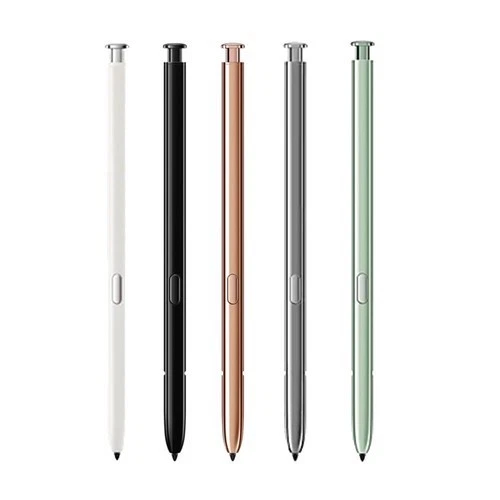
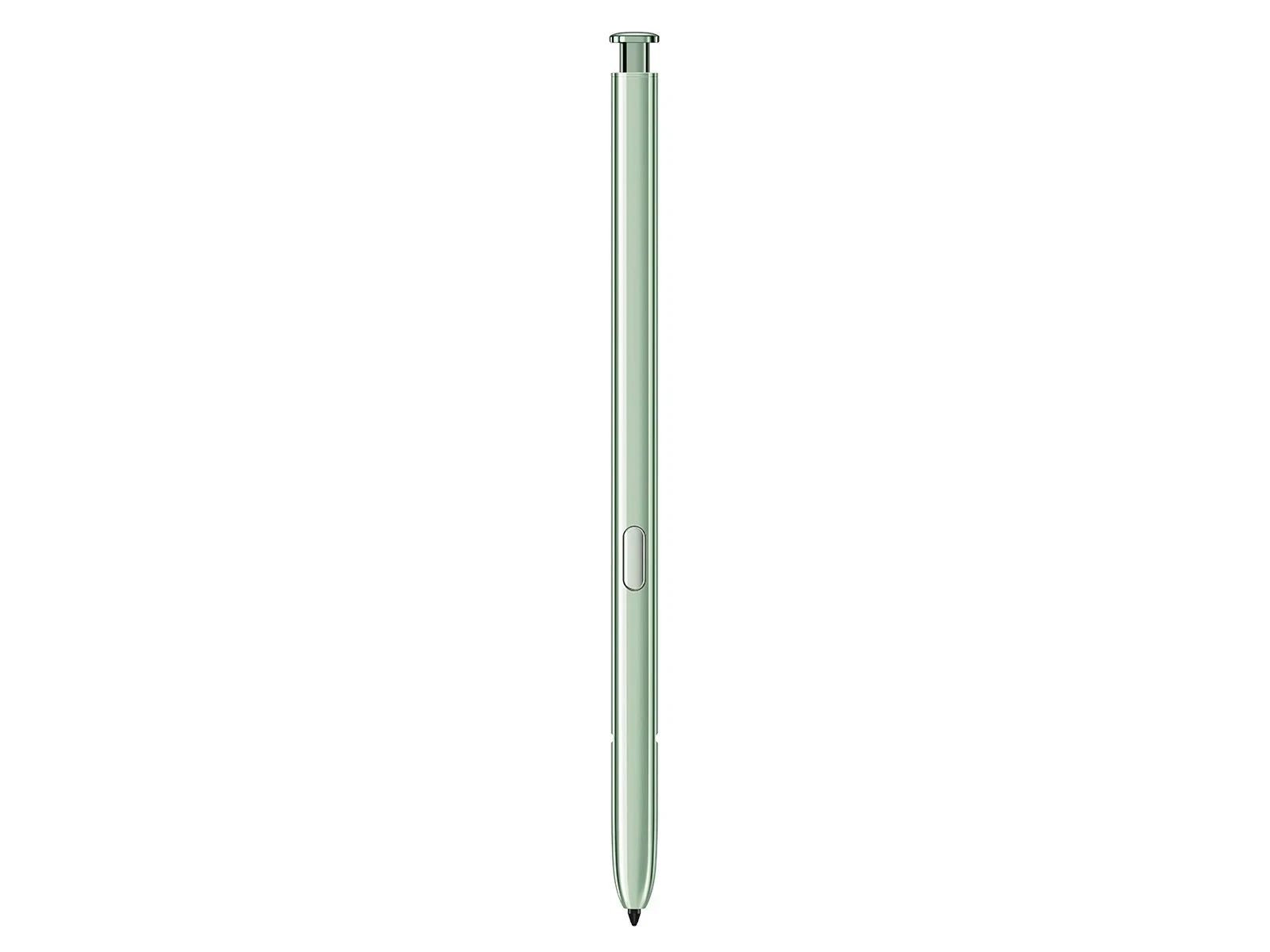
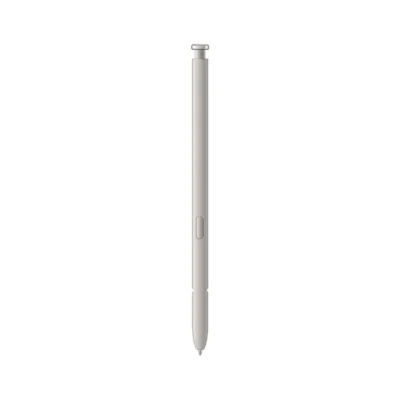
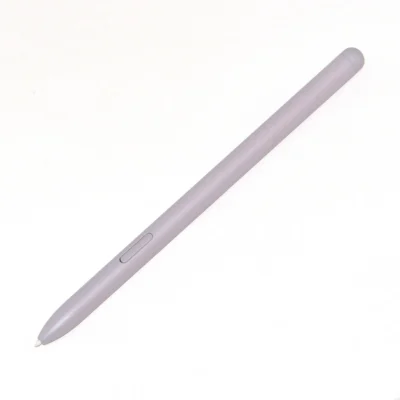
The Samsung Galaxy Note20 Ultra S Pen price in Kenya is Ksh 8,000 at Ringgs Phone Store. The EJ-PN980 replacement supports low-latency handwriting, pressure-sensitive drawing, Bluetooth Air Actions, remote photography and compatible presentation controls.
Call or WhatsApp 0724 000144 to confirm stock, colour and compatibility with your Galaxy Note20 Ultra.
What Makes This S Pen Useful?
It Gives the Note Its Purpose Back
The Note20 Ultra was not simply a large Samsung phone with an added stylus. Its interface, internal compartment and productivity tools were designed around the S Pen.
Replacing a lost pen restores the fast transition between reading and writing. You can remove it, capture an idea, return it to the handset and continue without carrying a separate notebook or full-sized stylus.
Low Latency Keeps Digital Ink Close to the Tip
On the Galaxy Note20 Ultra, S Pen response can reach latency as low as 9ms in supported applications and conditions. This reduces the visible delay between moving the tip and seeing the line appear.
The result feels more immediate when taking fast notes, forming small letters or drawing continuous curves. Application performance and device conditions can affect the actual response.
Pressure Sensitivity Adds Natural Variation
The display recognises 4,096 pressure levels from the S Pen. Compatible applications can translate a gentle movement into a fine mark and firmer pressure into a stronger stroke.
Artists gain better control over line weight and shading. For everyday users, the benefit appears in handwriting that looks less uniform and more like marks made with a conventional pen.
What Can You Do with It?
Write on the Locked Screen
Remove the S Pen while the display is off and start writing through Screen Off Memo. You can capture a reference number, address, measurement or reminder without opening Samsung Notes manually.
This is especially useful during calls, meetings and fieldwork, where a thought may disappear before you finish navigating through menus.
Organise and Clean Up Your Notes
Samsung Notes can combine handwriting, typed text, imported documents and drawings. You can straighten written lines, adjust the page and organise material for later review.
Supported handwriting can also be converted into editable text. Recognition quality depends on writing clarity, language availability and software settings.
Add Comments to PDFs
Import a compatible PDF and use the S Pen to underline, highlight, sign or add instructions. Its fine tip gives you better control in small document fields than a finger.
Confirm that the recipient accepts electronic signatures before submitting legal, financial or official documents.
Take a Photo While Standing in It
Bluetooth allows the pen button to trigger the Note20 Ultra camera remotely. Set the phone down, arrange the frame and press the button when everyone is ready.
It is useful for group photographs, personal portraits, demonstrations and tripod-supported content.
Navigate without Touching the Phone
Air Actions use button presses and gestures to control compatible functions from a distance. Depending on the application, you can move through images, adjust media or control a presentation.
The Note20 generation also introduced Anywhere Actions for commands such as:
- Go back
- Return to the Home screen
- Open recent applications
- Launch Smart Select
- Capture and write on the screen
Available actions can change with software and personal settings.
How Bluetooth Range and Power Work
The Note20 Ultra S Pen can communicate with the phone from up to approximately 10 metres in open space. Walls, furniture, people and wireless interference may reduce the working distance.
The pen receives power when inserted correctly into the phone. Its internal battery supports Bluetooth controls and provides up to approximately 24 hours of standby time under suitable conditions.
Writing does not require Bluetooth battery power. If the S Pen continues writing but stops controlling the camera or presentation, return it to the phone and allow it to recharge.
Samsung confirms the model’s 0.7mm tip, 4,096 pressure levels, Bluetooth remote controls, IP68 rating and physical measurements on its official Galaxy Note20 and Note20 Ultra S Pen page.
Compatibility: Check Before You Buy
Samsung designed the EJ-PN980 S Pen for the Galaxy Note20 and Galaxy Note20 Ultra. Both phones can use the pen’s writing and Bluetooth features when the correct accessory is connected.
Some later Galaxy devices with compatible pen-recognition hardware may accept basic writing input from the EJ-PN980. That does not guarantee the correct internal fit, automatic charging or Air Action support.
Do not use this pen with a Galaxy Z Fold. Samsung’s folding displays require an appropriate Fold Edition S Pen with a retractable tip designed to limit pressure.
Before ordering, verify your phone under Settings → About phone. The Galaxy Note20 Ultra typically belongs to the SM-N985 or SM-N986 model families, depending on network version and region.
Is This the Right Replacement for You?
This S Pen is worth considering if:
- You lost the pen supplied with your Note20 Ultra.
- The current pen body has cracked or bent.
- The click mechanism has stopped working.
- Its tip feels loose or requires excessive pressure.
- The side button responds inconsistently.
- Air Actions no longer work after charging and resetting.
- You purchased a used Note20 Ultra without its stylus.
- You use the phone for handwritten notes or signatures.
- You want a complete device before resale.
A worn nib does not always require a complete replacement. Ask whether the tip can be changed if the body, button and Bluetooth functions still work normally.
Before Leaving the Shop
Test the replacement with your own Note20 Ultra where possible.
- Write several lines inside Samsung Notes.
- Draw slowly near every edge of the display.
- Compare light strokes with firmer pressure.
- Hover the tip and watch the pointer.
- Press the side button to open Air Command.
- Insert the pen and confirm that the phone detects it.
- Give it time to recharge.
- Connect Air Actions from the S Pen settings.
- Test the camera shutter from a distance.
- Check that the pen sits correctly inside the slot.
A correctly matched EJ-PN980 should enter and release without force.
When the S Pen May Not Be the Problem
A magnetic case, ring holder or vehicle-mount plate can interfere with the display’s pen-recognition layer. Remove magnetic accessories if strokes bend, skip or disappear over a particular area.
A damaged digitiser can also cause S Pen problems even when the screen still responds to finger input. If more than one compatible pen fails in the same location, the display may require inspection.
When the pen writes but Bluetooth controls fail:
- Return it to the phone for charging.
- Open Settings → Advanced features → S Pen.
- Select Air Actions.
- Confirm that remote functions are enabled.
- Reset the S Pen.
- Keep it inserted while the phone reconnects.
Buy the Note20 Ultra S Pen in Nairobi
Buy the Samsung Galaxy Note20 Ultra S Pen for Ksh 8,000 from Ringgs Phone Store in Nairobi CBD.
Call or WhatsApp 0724 000144 to check colour availability and reserve the accessory. Visit us at St. Ellis House, City Hall Way, opposite the Supreme Court, Nairobi.
Our Nairobi CBD location serves customers from Westlands, Parklands, Ngara, Pangani, Eastleigh, Kilimani, South B, South C and other areas around Nairobi.
Continue Your Galaxy Search
Looking for a Note20 Ultra replacement S Pen in Kenya, an EJ-PN980 stylus in Nairobi or dependable support for your Samsung device? Explore these Ringgs Phone Store categories:
- Browse available Samsung smartphones in Kenya.
- Find Samsung Galaxy Screen Replacement services.
- View Samsung Galaxy battery replacement options.
Frequently Asked Questions
1. What is the Samsung Galaxy Note20 Ultra S Pen price in Kenya?
The Samsung Galaxy Note20 Ultra S Pen costs Ksh 8,000 at Ringgs Phone Store in Nairobi CBD.
2. Where can I buy a Note20 Ultra S Pen in Nairobi?
Visit Ringgs Phone Store at St. Ellis House, City Hall Way, opposite the Supreme Court. Call or WhatsApp 0724 000144 before travelling.
3. Is the same S Pen compatible with the Note20 and Note20 Ultra?
Yes. Samsung designed the EJ-PN980 S Pen for both the Galaxy Note20 and Galaxy Note20 Ultra.
4. Does the Note20 Ultra S Pen have Bluetooth?
Yes. Bluetooth supports remote Air Actions, camera operation and compatible presentation or media controls.
5. Can I use it as a remote camera shutter?
Yes. After the pen connects and has sufficient charge, press its button to take a photograph remotely.
6. Does the Note20 Ultra S Pen need charging?
Bluetooth features require power. The S Pen charges automatically when inserted into the compatible phone, while ordinary writing can work without Bluetooth charge.
7. What is the maximum remote-control range?
Samsung states that the pen can work from approximately 10 metres in open space. Surrounding objects and wireless interference may reduce the range.
8. Can I use this S Pen with a Galaxy Z Fold?
No. Galaxy Z Fold displays require a suitable Fold Edition pen. The Note20 Ultra S Pen does not have the protective retractable tip developed for foldable screens.
9. Why does my replacement S Pen write but not use Air Actions?
The pen may need charging, resetting or pairing. It could also be a different S Pen model that supports writing but cannot establish the correct Bluetooth connection.
10. What should I check before buying a replacement?
Confirm the EJ-PN980 model family, test writing and Bluetooth controls, inspect the nib and ensure that the S Pen fits correctly inside your Note20 or Note20 Ultra.

There are no reviews yet.