Product details
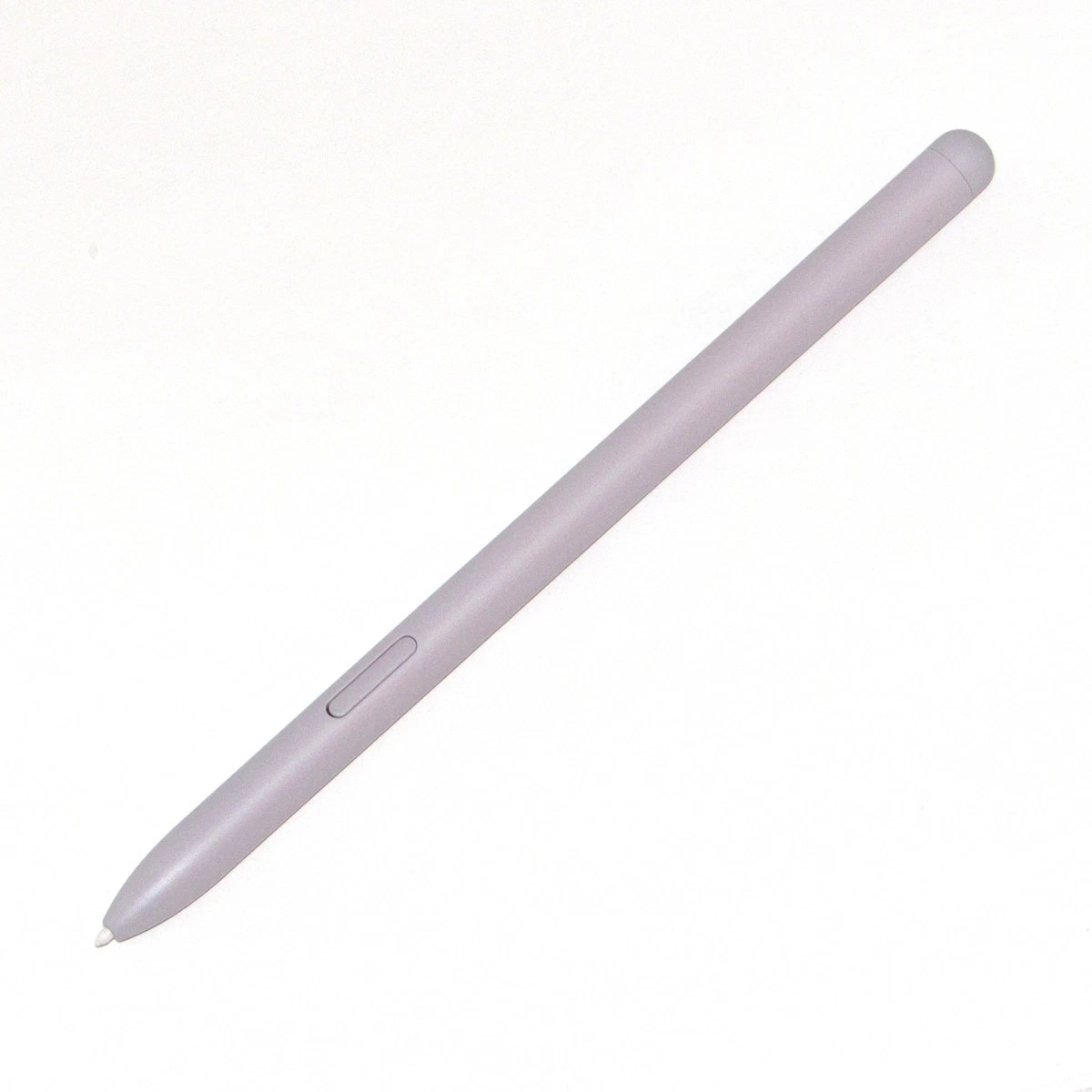
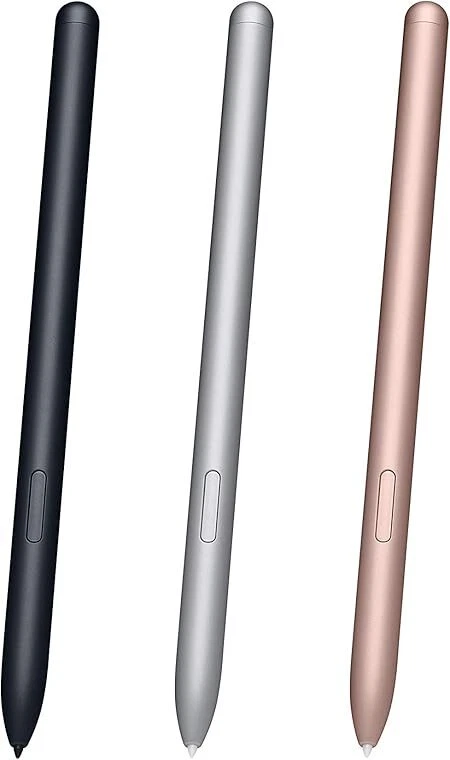
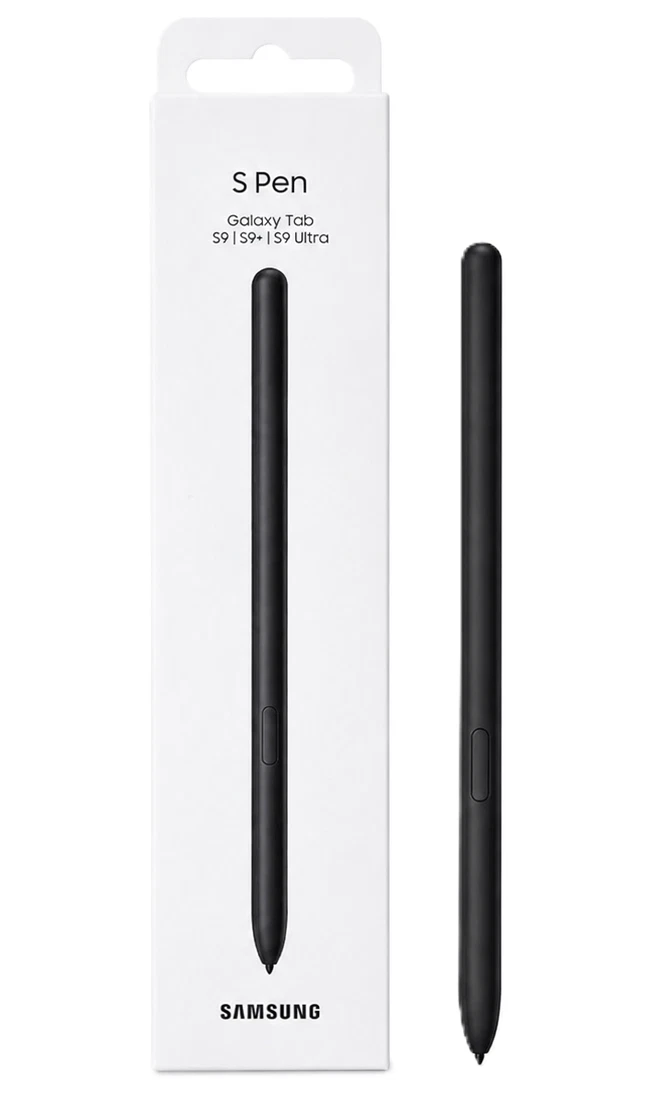
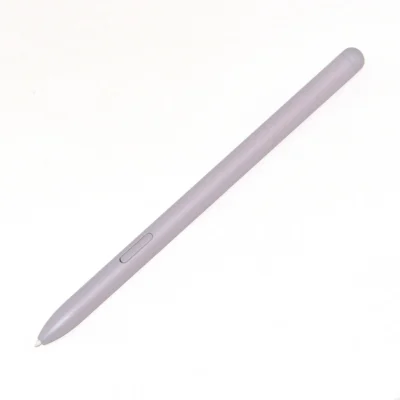
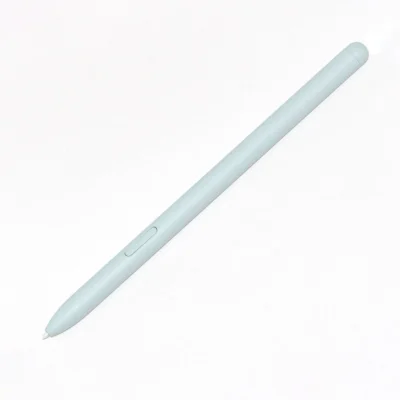
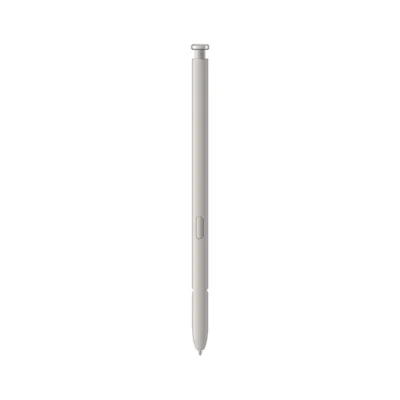
The Samsung Galaxy Tab S9 S Pen is a replacement digital stylus created for writing, illustration, screen annotation and remote tablet control. It gives the Tab S9 series a natural input method for tasks that feel too detailed or personal for a keyboard.
Its IP68 rating complements the durable Tab S9 range, while bidirectional charging makes the pen easier to place on the tablet than earlier rechargeable Galaxy Tab S Pens.
Samsung Galaxy Tab S9 S Pen Price in Kenya
The Samsung Galaxy Tab S9 S Pen price in Kenya is Ksh 8,000 at Ringgs Phone Store. This listing covers the replacement EJ-PX710 S Pen; the Galaxy tablet is sold separately.
Confirm whether your device is the standard Tab S9, Tab S9+, Tab S9 Ultra or an FE model. The Galaxy Tab S9 FE uses a different S Pen without Bluetooth or charging support.
Pressure and Tilt-Sensitive Writing
The S Pen responds to both pressure and writing angle on compatible tablets. This allows supported applications to reproduce variations in line weight, opacity and shading.
The response benefits more than digital artists. It can also make handwritten notes, diagrams and document markups feel more controlled and less mechanical.
Its fine input point helps with:
- Writing inside small form fields
- Selecting a specific sentence
- Positioning objects precisely
- Editing around image edges
- Adding handwritten labels
- Controlling detailed application menus
Samsung Notes and Everyday Productivity
Samsung Notes can combine handwriting, typed paragraphs, drawings, photographs and imported documents on a single page. Start with an unstructured idea, develop it visually and convert supported handwriting into editable text later.
Professionals can annotate reports and contracts, while students can write lecture notes beside diagrams or reference material. Creative users can plan storyboards, visual concepts and layouts without leaving the tablet.
Handwriting recognition depends on writing clarity, language support and software. Review converted telephone numbers, names and financial figures before sharing them.
Bluetooth Air Actions
The EJ-PX710 includes Bluetooth Low Energy for compatible remote and gesture controls. Depending on the application, the S Pen can help you:
- Take a photograph remotely
- Navigate presentation slides
- Control media playback
- Move through gallery images
- Activate assigned application commands
- Perform supported Air Action gestures
Remote functions require the S Pen to be charged and connected. Feature availability varies between Samsung and third-party applications.
Basic handwriting does not depend on Bluetooth power. You can continue writing when the remote-control charge is depleted.
Bidirectional Magnetic Charging
Place the S Pen on the designated magnetic cradle on the back of a compatible Galaxy Tab S9-series tablet. Unlike the Tab S7 and Tab S8 pens, the Tab S9 S Pen can charge with its tip facing either direction.
The pen must still sit over the correct charging area. A nearby magnet may hold it physically without charging or pairing it.
This bidirectional design makes daily storage more convenient: attach the S Pen without stopping to check which end faces the camera.
IP68 Protection for Mobile Work
Both the Galaxy Tab S9 series and its S Pen were designed with IP68-rated dust and freshwater resistance under controlled laboratory conditions.
This protection can provide reassurance during travel, outdoor work and accidental spills, but it does not make the pen immune to liquid damage. Avoid pools, seawater, soapy water and high-pressure exposure.
Dry the S Pen before returning it to the magnetic charging cradle. Water and dust resistance can diminish through wear or physical damage.
Drawing, Editing and Creative Applications
Pressure and tilt recognition make the S Pen suitable for detailed drawing in compatible applications. You can vary strokes naturally, shade at an angle and refine small parts of an illustration.
The stylus also improves accuracy when editing photographs or video. Its narrow contact point helps select small controls, position elements and make timeline adjustments without obscuring the target beneath your finger.
Application design, available brushes and tablet settings will influence the final creative experience.
Galaxy Tab S9 S Pen Compatibility
The EJ-PX710 is designed for:
- Samsung Galaxy Tab S9
- Samsung Galaxy Tab S9+
- Samsung Galaxy Tab S9 Ultra
Samsung also lists the accessory with selected later premium Galaxy Tab devices. Confirm compatibility using the complete tablet model number before purchasing.
Do not confuse it with the EJ-PX510 supplied with the Tab S9 FE and S9 FE+. The FE pen supports writing but does not include Bluetooth Air Actions or charging.
Samsung lists the EJ-PX710’s IP68 protection, remote controls, pressure-sensitive input and dimensions on its official Galaxy Tab S9 Series S Pen page.
Check the S Pen before Purchase
Bring your Galaxy Tab to the shop where possible and test:
- Writing across the complete screen
- Light and firm pressure
- Tilt response in a compatible drawing application
- Hover-pointer accuracy
- The S Pen button
- Air Command shortcuts
- Magnetic attachment
- Charging in both directions
- Bluetooth Air Actions
- Remote camera or presentation control
Remove magnetic cases if the pen skips, curves unexpectedly or fails to charge. If another compatible pen shows the same fault in the same screen area, the tablet’s digitiser may need inspection.
Order from Ringgs Phone Store
Order the Samsung Galaxy Tab S9 S Pen from Ringgs Phone Store, also known as Samsung Supreme.
Price: Ksh 8,000
Location: St. Ellis House, City Hall Way, opposite the Supreme Court, Nairobi CBD
Call or WhatsApp: 0724 000144
Contact us before visiting to confirm compatibility, colour and current stock.
Samsung Galaxy Tab S9 S Pen FAQ
1. What is the Samsung Galaxy Tab S9 S Pen price in Kenya?
The Samsung Galaxy Tab S9 S Pen costs Ksh 8,000 at Ringgs Phone Store in Nairobi CBD.
2. Which tablets support the EJ-PX710 S Pen?
It is designed for the Galaxy Tab S9, Tab S9+ and Tab S9 Ultra. Samsung also lists it with selected later premium Galaxy Tab models.
3. Does the Tab S9 S Pen have Bluetooth?
Yes. Bluetooth Low Energy enables compatible Air Actions and remote controls.
4. How do I charge the Galaxy Tab S9 S Pen?
Attach it to the designated magnetic charging cradle on the back of a compatible Tab S9-series tablet.
5. Does the direction matter when charging it?
No. The Tab S9 series supports bidirectional S Pen charging, so either orientation can work when the pen is aligned correctly.
6. Will the S Pen write without a Bluetooth charge?
Yes. Direct writing uses EMR technology and can operate without Bluetooth power. Air Actions require a charged and connected pen.
7. Is the Tab S9 S Pen compatible with the Tab S9 FE?
The EJ-PX710 may provide writing input on compatible hardware, but it is not the model-specific FE replacement. The Tab S9 FE uses the non-Bluetooth EJ-PX510.
8. Is the Galaxy Tab S9 S Pen waterproof?
It has an IP68 water- and dust-resistance rating under controlled conditions. Avoid seawater and swimming pools, and dry it before charging.
9. Why does my replacement S Pen write but not use Air Actions?
It may need charging or reconnection. You could also have an EJ-PX510 FE pen, which supports writing but lacks Bluetooth remote features.
10. Where can I buy a Tab S9 S Pen in Nairobi?
Visit Ringgs Phone Store at St. Ellis House, City Hall Way, opposite the Supreme Court in Nairobi CBD, or call or WhatsApp 0724 000144.



There are no reviews yet.