Product details
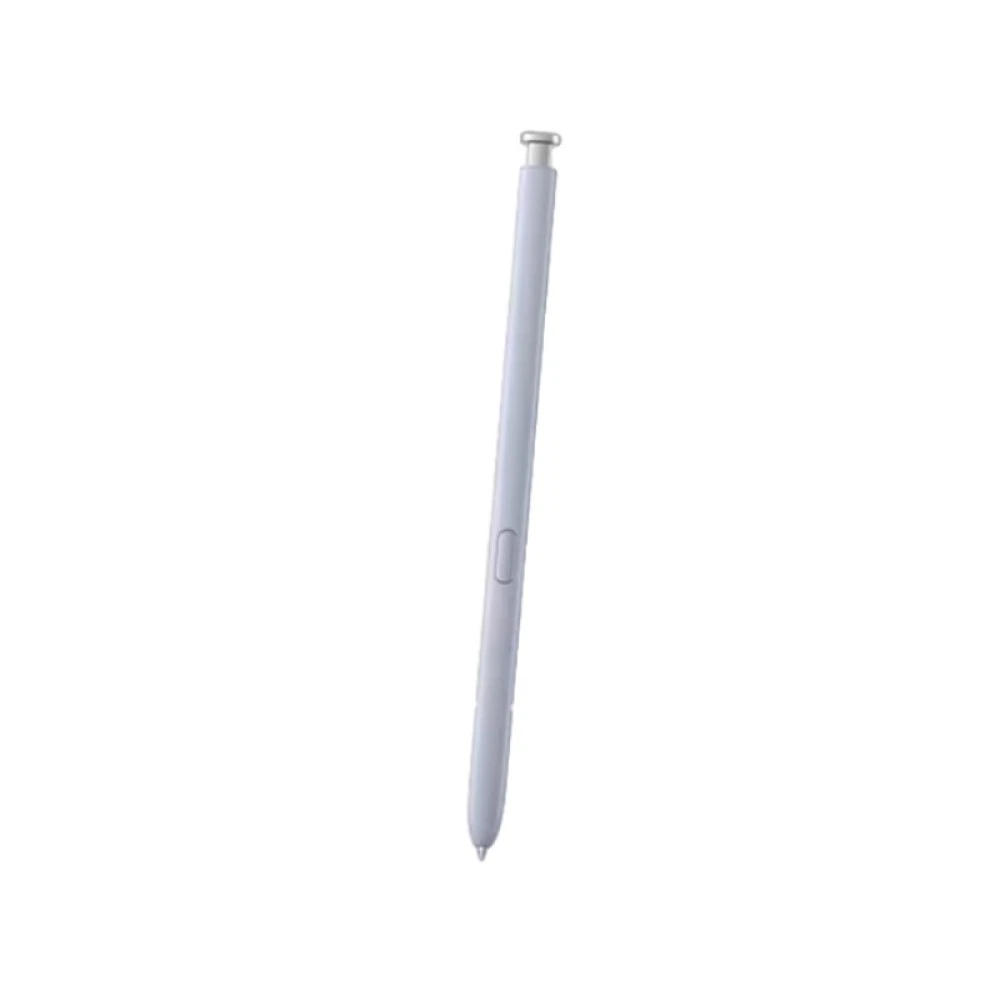
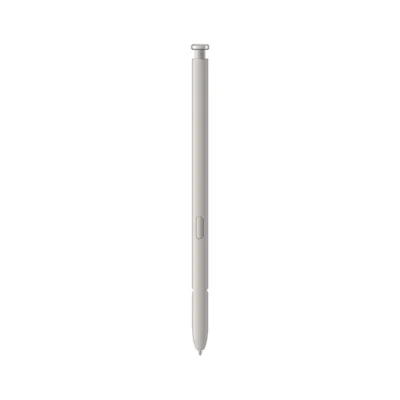
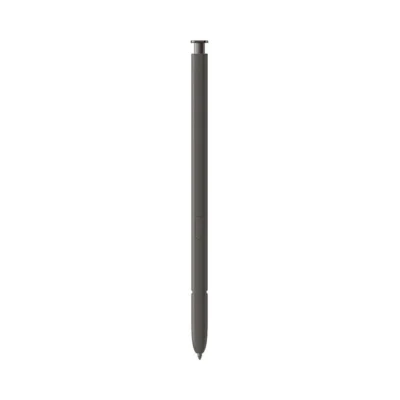
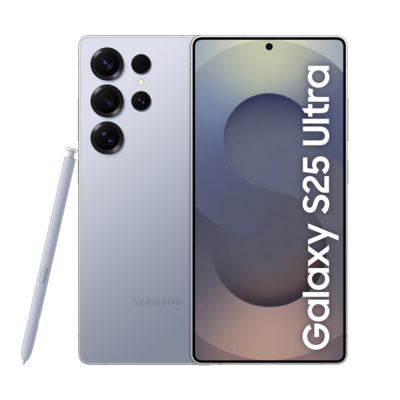
The Samsung Galaxy S25 Ultra S Pen price in Kenya is Ksh 8,000 at Ringgs Phone Store. It is a dedicated replacement stylus for the Galaxy S25 Ultra, designed for handwriting, sketching, screen annotation and accurate navigation without Bluetooth pairing or charging.
Call or WhatsApp 0724 000144 to confirm colour availability and compatibility before visiting our Nairobi CBD shop.
What Makes This S Pen Useful?
It Makes the S25 Ultra Feel Complete Again
The Galaxy S25 Ultra was designed with a dedicated compartment for its S Pen. Replacing a lost or broken pen fills that slot correctly and restores the phone’s pen-based functions.
Remove it when you need to write, make a detailed selection or edit something precisely. Return it to the phone when finished, and it remains protected and ready for the next task.
Precision Your Finger Cannot Match
A fingertip works well for opening applications and scrolling through pages. It becomes less effective when you need to place a cursor between two letters, circle one small object or write inside a narrow document field.
The S Pen’s fine tip provides a clear input point. It helps you work around detailed images, make controlled marks and select content without covering the exact area you want to see.
Natural Pressure-Sensitive Writing
The Galaxy S25 Ultra recognises 4,096 pressure levels from its S Pen. Compatible applications can respond differently depending on how lightly or firmly you press the tip against the display.
That pressure response gives handwriting more character and helps artists vary line weight while sketching. Even simple notes feel closer to writing with a conventional pen than tapping letters on a virtual keyboard.
What Can You Do with It?
Capture Notes before They Disappear
Remove the S Pen while the screen is off and begin writing through Screen Off Memo. You can record a telephone number, reminder, customer request or sudden idea without first unlocking the phone and searching for an application.
For longer notes, Samsung Notes allows you to combine handwriting, typed text, images and drawings within the same page.
Turn Handwriting into Digital Text
S Pen to Text can convert supported handwriting into editable text inside compatible input fields. This lets you write a search term, compose a short message or enter information without using the on-screen keyboard.
Handwriting recognition depends on your writing style, chosen language and software version. Review converted names, prices and telephone numbers before using them in important communication.
Make Cleaner Selections with AI Select
AI Select helps identify useful content displayed on the screen. The S Pen gives you more control when selecting a person, object, text passage or specific area for further action.
Results vary according to the content and available Galaxy AI features, but the pen makes the initial selection more deliberate than a broad finger gesture.
Annotate Screenshots and Documents
Screen Write lets you capture the current display and immediately add notes, arrows or highlights. It is useful when explaining a correction, marking a location or drawing attention to one figure in a document.
You can also sign and annotate compatible PDFs. Always confirm that the receiving organisation accepts electronic signatures before submitting an important form.
Translate and Magnify Content
The S Pen can access tools such as Translate and Magnify through Air Command. Hover over supported text to view an available translation or enlarge a small section of the screen without zooming the entire page.
Language availability, internet access and application compatibility can affect these features.
An Important Bluetooth Clarification
The Galaxy S25 Ultra S Pen does not contain Bluetooth Low Energy technology. It does not pair with the phone, require charging or display a conventional Bluetooth connection.
This also means the pen cannot:
- Operate the camera shutter remotely
- Perform gesture-based Air Actions
- Control music from a distance
- Advance presentation slides remotely
- Unlock the phone through an S Pen connection
- Provide Bluetooth-based location tracking
These limitations are part of the S25 Ultra’s design and do not indicate a faulty accessory. Writing, drawing, hovering, Air Command and compatible button functions remain available.
Samsung explains the no-pairing design and supported S Pen tools in its official Galaxy S25 Ultra S Pen guide.
Compatibility: Check Before You Buy
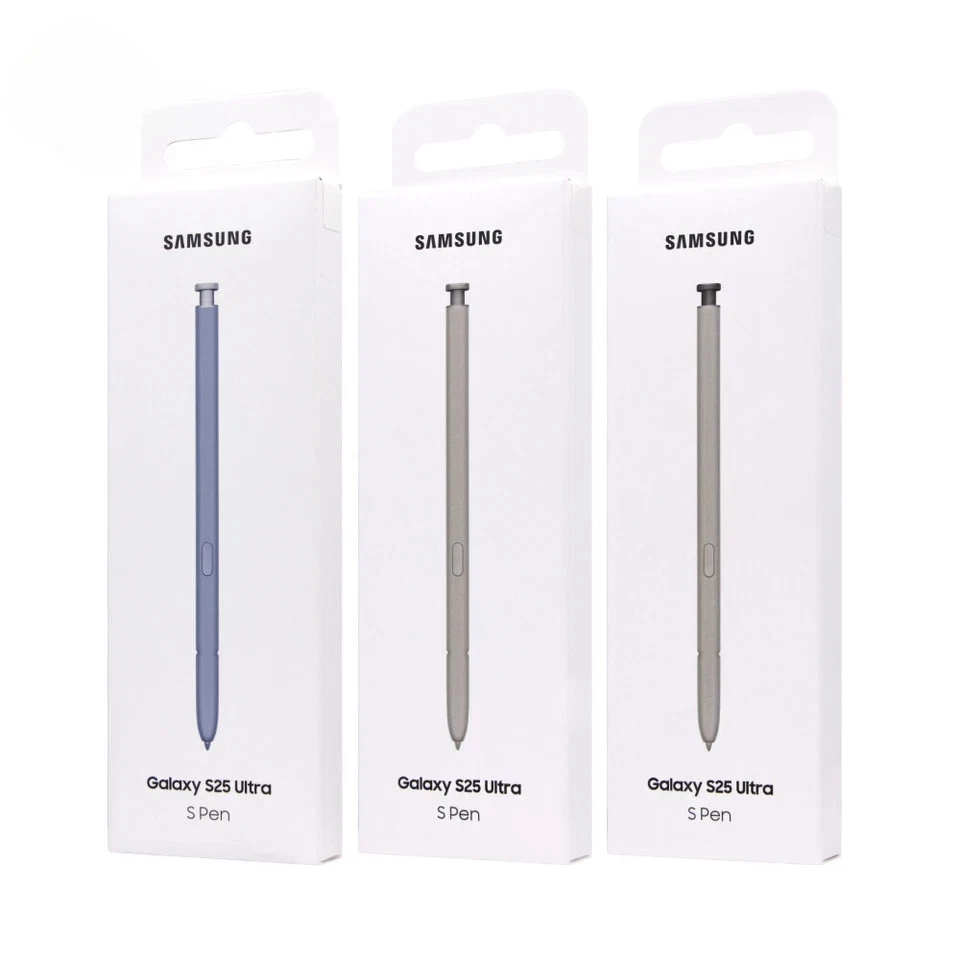
The EJ-PS938 replacement S Pen is designed specifically for the Samsung Galaxy S25 Ultra. It is not intended for the standard Galaxy S25, Galaxy S25+, Galaxy S25 FE or Galaxy Z Fold range.
Other Samsung pens may produce basic writing input on selected Galaxy screens, but screen recognition alone does not establish full compatibility. Differences in length, width, tip design and body shape can prevent another pen from fitting safely inside the S25 Ultra.
Using the correct model helps ensure:
- Proper writing response
- Accurate hovering
- Reliable button input
- Correct insertion detection
- A secure internal fit
- Safe removal from the storage compartment
If you are unsure which phone you own, check Settings → About phone and share the displayed model information with Ringgs Phone Store.
Is This the Right Replacement for You?
Consider this S Pen if:
- You lost the pen supplied with your Galaxy S25 Ultra.
- Your current stylus has cracked or bent.
- The nib has become loose or unresponsive.
- Another S Pen writes but does not fit inside the phone.
- You want a spare S25 Ultra pen.
- You frequently take handwritten notes.
- You edit photographs or documents on the phone.
- You want the device complete for future resale.
If the existing pen works but the tip feels worn, ask whether a compatible replacement nib could solve the issue before buying the complete accessory.
Before Leaving the Shop
A short practical test helps confirm that the pen and phone work correctly together.
- Write several lines in Samsung Notes.
- Test light and firm pressure.
- Draw across the centre and near each screen edge.
- Hover the tip and observe the on-screen pointer.
- Press the button near the display to open supported commands.
- Remove and reinsert the S Pen.
- Check whether the phone detects both actions.
- Confirm that the pen sits securely inside the compartment.
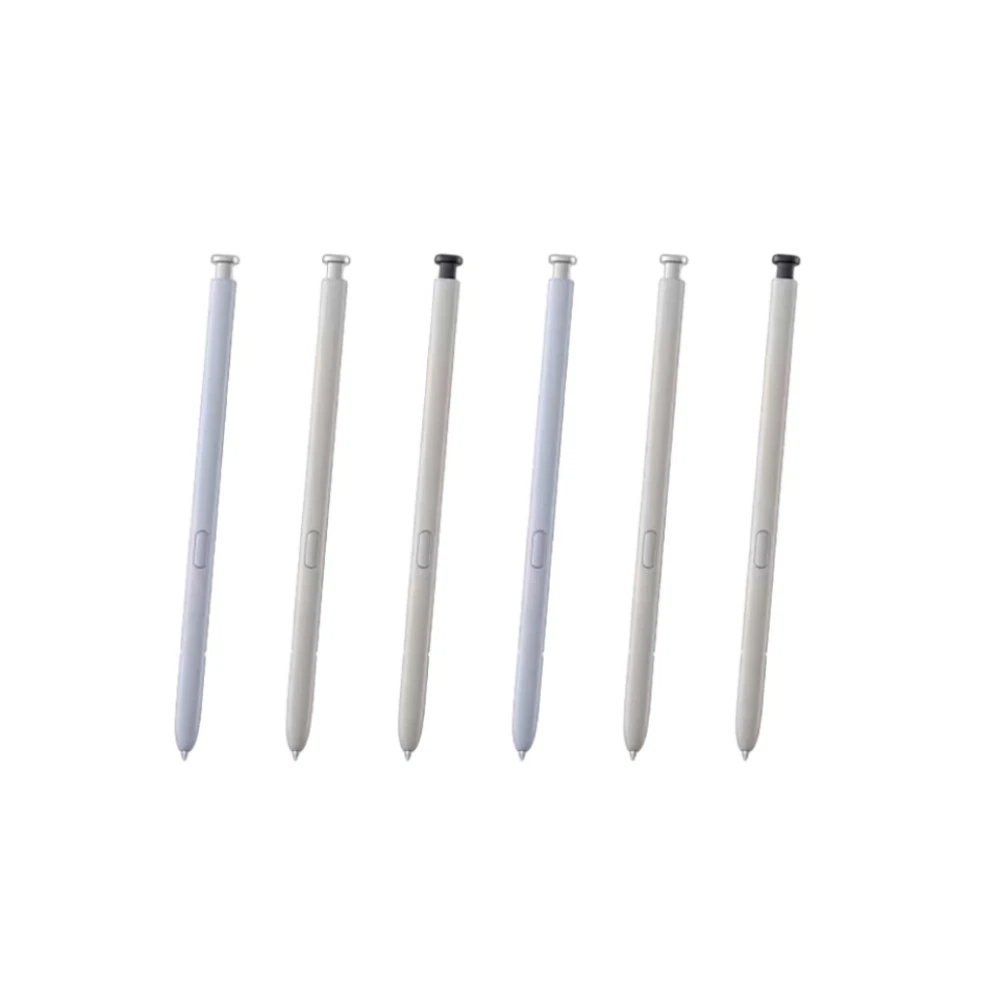
- Make sure the colour matches your preference.
Do not force an accessory into the slot. A compatible S Pen should enter and release smoothly.
When the S Pen May Not Be the Problem
Irregular writing can sometimes come from the phone or an attached accessory rather than the pen.
Magnetic cases, ring holders and mounting plates may interfere with the screen’s pen-recognition layer. This can create gaps, curved lines or areas that fail to respond. Remove magnetic accessories and repeat the writing test.
A cracked display can continue showing images while the underlying digitiser fails to recognise S Pen input correctly. If two compatible pens show the same fault in the same area, the phone may need a screen assessment.
The S25 Ultra S Pen does not use Bluetooth, so resetting Bluetooth or waiting for it to charge will not correct a writing problem.
Buy the S25 Ultra S Pen in Nairobi
Buy the Samsung Galaxy S25 Ultra S Pen for Ksh 8,000 from Ringgs Phone Store in Nairobi CBD.
Call or WhatsApp 0724 000144 to confirm availability and the colours currently in stock. Visit us at St. Ellis House, City Hall Way, opposite the Supreme Court, Nairobi.
Our central location serves customers from Nairobi CBD and nearby areas, including Westlands, Parklands, Ngara, Pangani, Eastleigh, Kilimani, South B and South C.
Continue Your Galaxy Search
Looking for a Samsung S25 Ultra replacement pen in Nairobi, an EJ-PS938 stylus in Kenya or professional support for your Galaxy phone? Explore these related Ringgs Phone Store categories:
- Browse available Samsung smartphones in Kenya.
- Find Samsung Galaxy Screen Replacement services.
- View Samsung Galaxy battery replacement options.
Frequently Asked Questions
1. What is the Samsung Galaxy S25 Ultra S Pen price in Kenya?
The Samsung Galaxy S25 Ultra S Pen costs Ksh 8,000 at Ringgs Phone Store in Nairobi CBD.
2. Where can I buy an S25 Ultra S Pen in Nairobi?
You can buy it from Ringgs Phone Store at St. Ellis House, City Hall Way, opposite the Supreme Court. Call or WhatsApp 0724 000144 to confirm availability.
3. Does the Galaxy S25 Ultra S Pen support Bluetooth?
No. The S25 Ultra S Pen does not include Bluetooth Low Energy connectivity.
4. Can I use the S25 Ultra S Pen to take photographs remotely?
No. It cannot operate as a remote camera shutter because Bluetooth Air Actions are unavailable.
5. Does the S25 Ultra S Pen require charging?
No. The pen works without an internal Bluetooth battery, pairing process or charging routine.
6. Does the pen button still work without Bluetooth?
Yes. The button can activate supported commands when the pen is close to the screen. It cannot perform Bluetooth remote actions from a distance.
7. Will this S Pen work with the Galaxy S25 or S25+?
No. The standard Galaxy S25 and Galaxy S25+ do not support the Ultra model’s built-in S Pen system.
8. Can I use an S24 Ultra S Pen in the Galaxy S25 Ultra?
An S24 Ultra pen may provide limited screen input, but it is not the correct physical or functional replacement. Choose the EJ-PS938 model designed for the S25 Ultra.
9. Can Samsung Find locate a lost S25 Ultra S Pen?
No. The pen does not contain the Bluetooth hardware required for location tracking. Store it inside the phone when it is not in use.
10. Why is my replacement S Pen not writing correctly?
Check for an incompatible model, a damaged nib, magnetic interference or a display-digitiser fault. Remove magnetic accessories and test another compatible EJ-PS938 pen where possible.
There are no reviews yet.