Product details
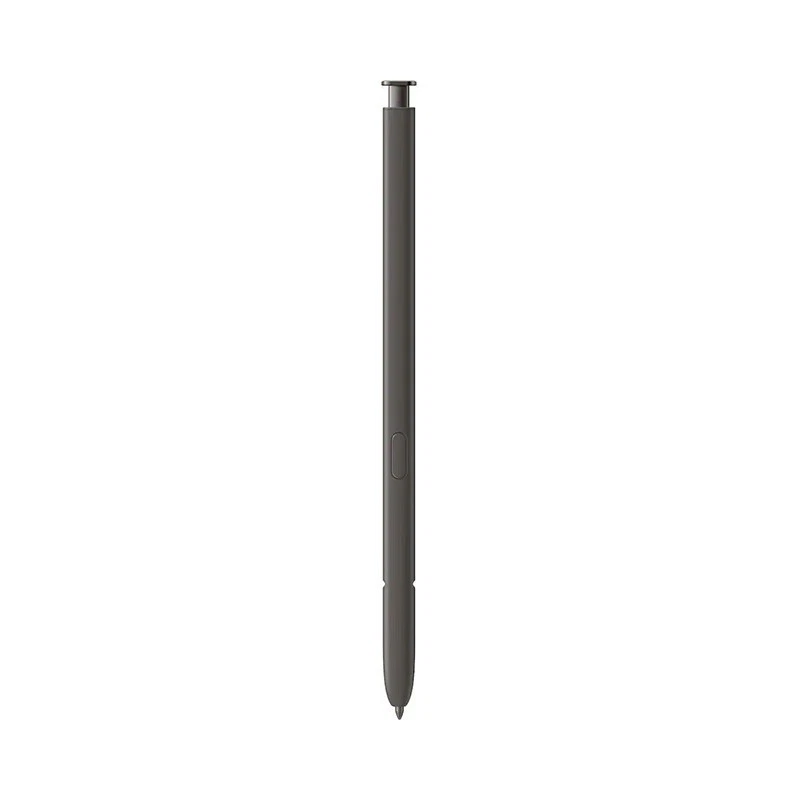
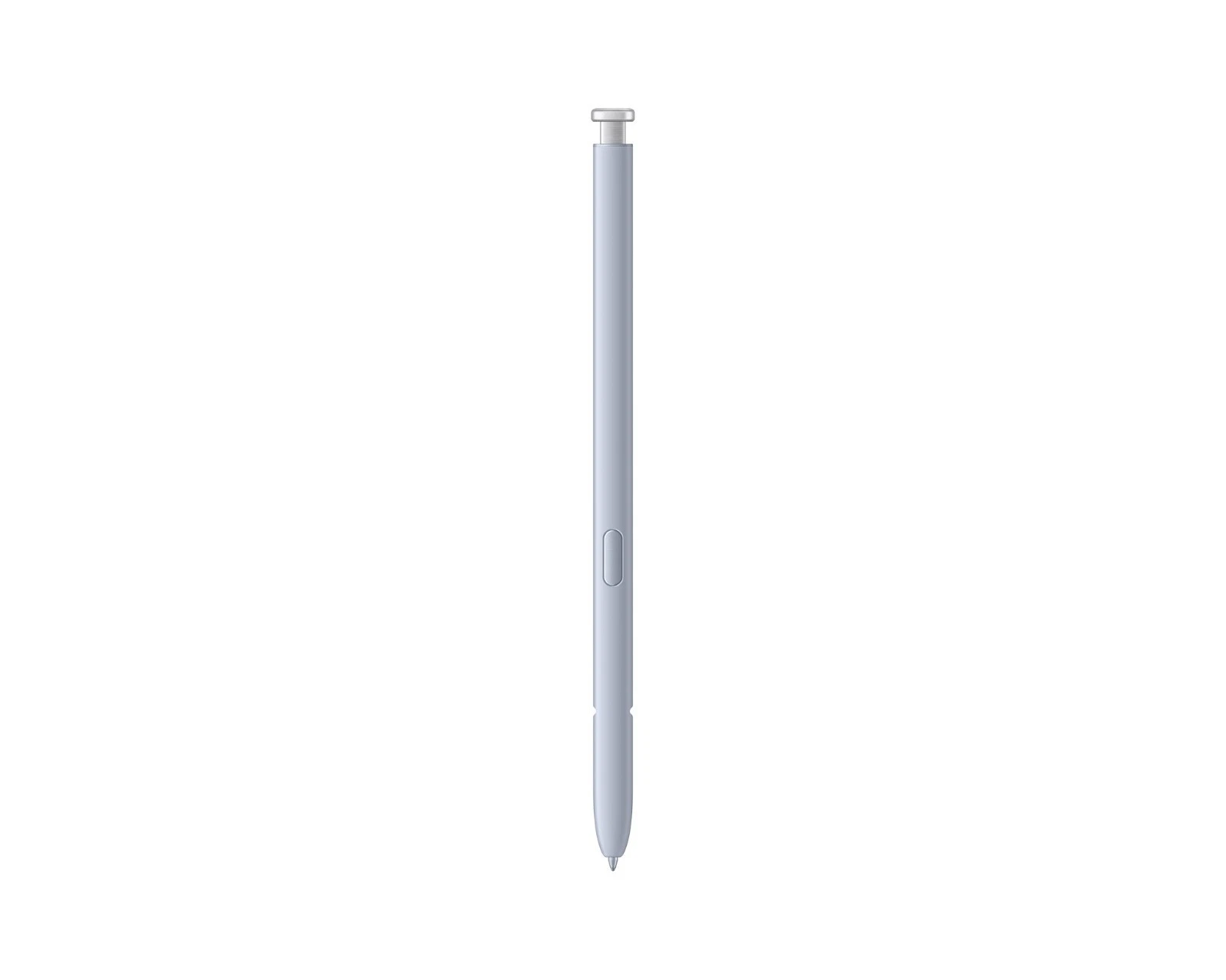
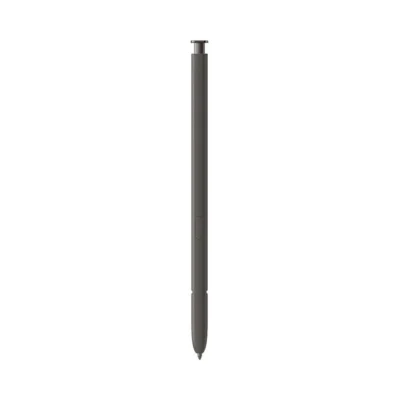
The Samsung Galaxy S24 Ultra S Pen price in Kenya is Ksh 8,000 at Ringgs Phone Store. It is a Bluetooth-enabled replacement stylus that supports precise handwriting, drawing, Air Command, remote photography and compatible gesture controls.
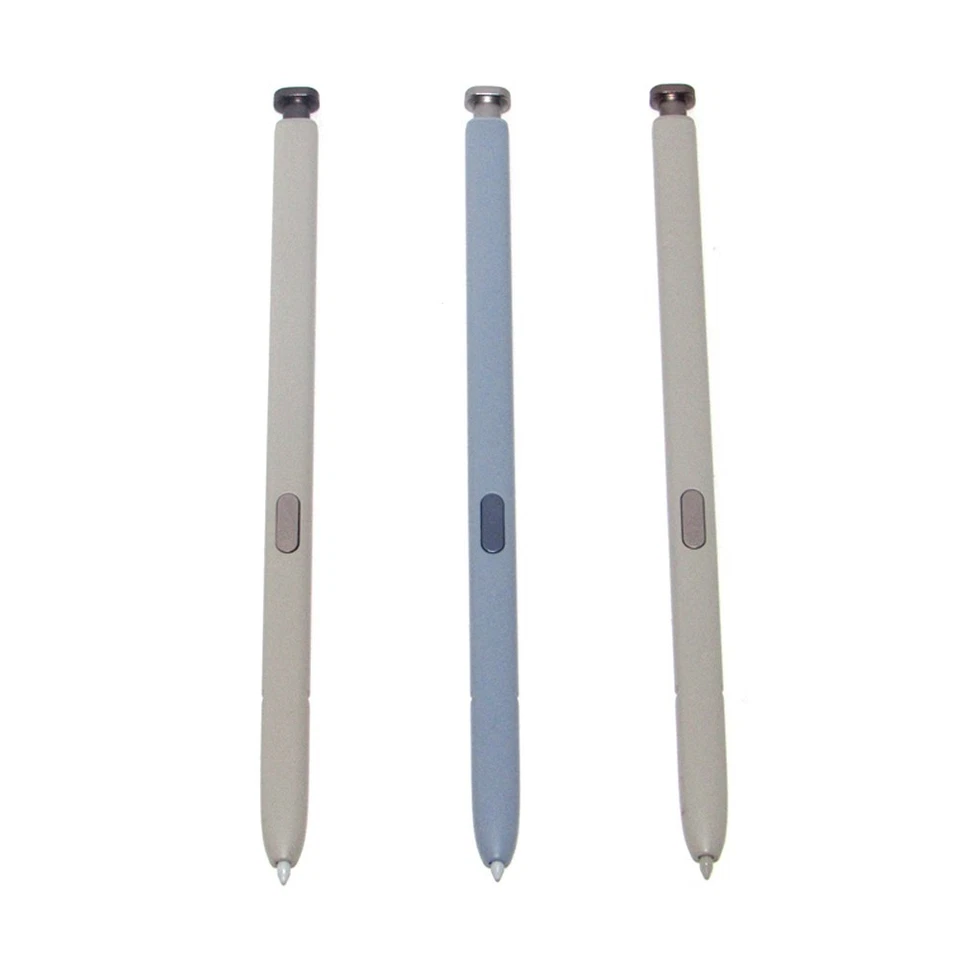
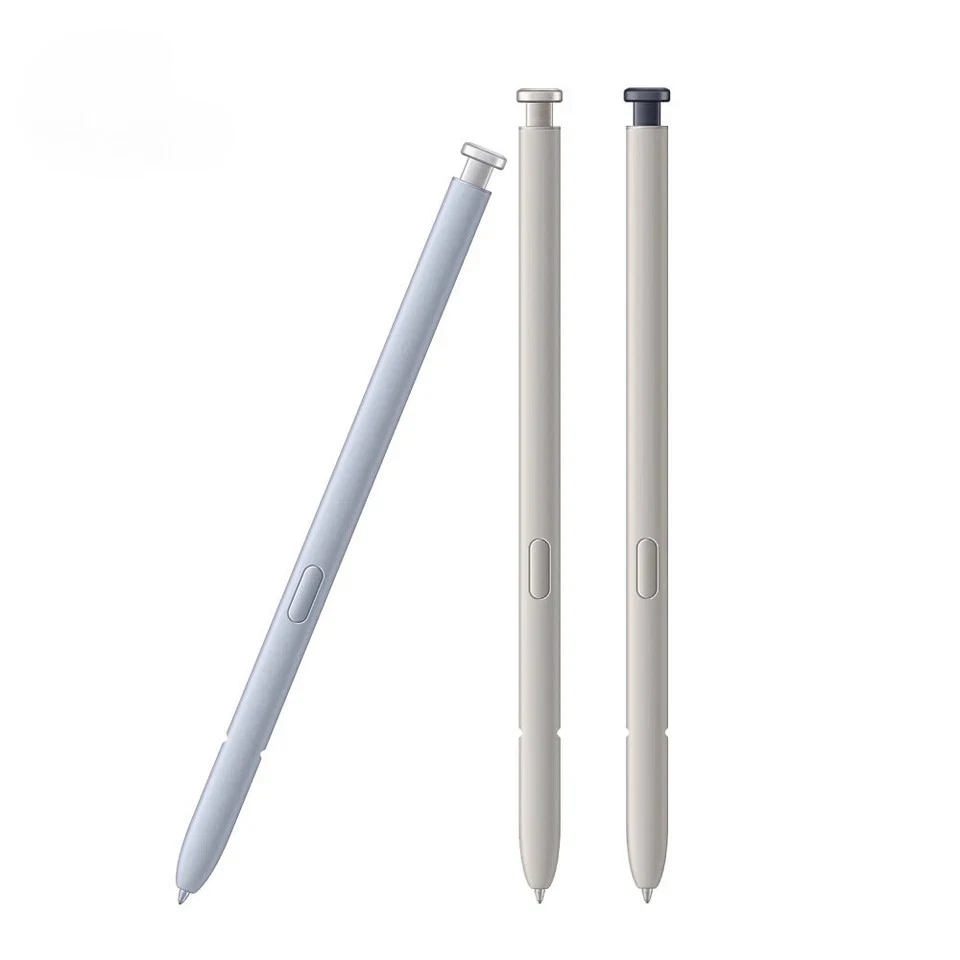
Call or WhatsApp 0724 000144 to confirm the available colour and reserve your replacement S Pen.
What Makes This S Pen Useful?
It Restores Every Part of the Ultra Experience
The Galaxy S24 Ultra was designed around direct pen input. Replacing a missing or damaged S Pen brings back the ability to write naturally, annotate documents and interact with small screen elements more accurately.
The correct EJ-PS928 model also restores Bluetooth features. This matters because a basic stylus may write on the display but cannot necessarily control the camera, connect to Air Actions or charge inside the phone.
A Fine Tip for Controlled Input
The 0.7mm tip allows you to work on details that feel awkward beneath a fingertip. You can position the cursor accurately, underline a single sentence or trace around an object without covering the selection.
Its 4,096 pressure levels create a more responsive writing and drawing experience. Compatible applications recognise how firmly you press, allowing light strokes, darker lines and varied shading.
Remote Control from the S Pen Button
Bluetooth transforms the S24 Ultra S Pen into a convenient remote control. Place your phone on a stable surface, move into the photograph and press the pen button to activate the camera shutter.
This is useful when taking:
- Group photographs
- Full-body portraits
- Tripod photographs
- Product images
- Self-recorded videos
- Long-exposure shots where touching the phone could cause movement
Supported commands and gesture behaviour can change according to the application and software settings.
What Can You Do with It?
Take Notes without Unlocking the Phone
Screen Off Memo lets you begin writing after removing the S Pen while the display is locked. It reduces the steps required to save a number, reminder or sudden idea.
For longer work, Samsung Notes lets you organise handwriting, typed text, illustrations and imported content within the same document.
Control Presentations and Media
Compatible presentation applications can respond to S Pen button presses and Air Actions. You can move between slides while standing away from the phone instead of returning to the screen after every point.
Selected media applications may also support play, pause, track navigation and other assigned commands.
Make Precise Galaxy AI Selections
Circle to Search and compatible Galaxy AI tools can help identify, research or edit content displayed on the screen. The S Pen gives you a narrower and more controlled selection point than your finger.
AI availability and results depend on the software version, internet connection, Samsung or Google account requirements and the content being processed.
Write Directly on Screenshots
Screen Write captures the current screen and prepares it for annotation. Circle a price, highlight an instruction, add directions or mark a correction before sharing the image.
Convert Handwriting into Text
Write in compatible text fields and allow the phone to convert your handwriting into digital characters. This can help when drafting a short message or entering a search query without opening the keyboard.
Always review converted names, prices, addresses and telephone numbers before sending them.
Translate and Magnify
Air Command provides access to tools such as Translate and Magnify. Hover over supported text for translation or enlarge one section of the screen without changing the entire page.
Language support and application compatibility can vary.
Why Bluetooth Matters on the S24 Ultra
Unlike the S25 Ultra and S26 Ultra pens, the Galaxy S24 Ultra S Pen includes Bluetooth connectivity. It supports remote Air Actions, camera operation and compatible gesture controls.
Bluetooth functions require power. The S Pen recharges automatically when stored inside the Galaxy S24 Ultra, so it does not need a separate cable or charger.
Basic handwriting can continue when the Bluetooth charge is depleted. However, remote functions will remain unavailable until the pen has recharged and reconnected.
Samsung confirms the accessory’s 0.7mm tip, remote controls, gesture support, Air Command and IP68 rating on its official Galaxy S24 Ultra S Pen page.
Compatibility: Check Before You Buy
The EJ-PS928 S Pen is designed specifically for the Samsung Galaxy S24 Ultra. It is not intended for the standard Galaxy S24, Galaxy S24+, Galaxy S24 FE or Galaxy Z Fold models.
Another Galaxy S Pen may produce basic writing input, but that does not guarantee:
- Correct physical dimensions
- Secure internal storage
- Automatic charging
- Bluetooth pairing
- Remote Air Actions
- Reliable button controls
The model number matters more than visual similarity. Check your phone under Settings → About phone before placing an order.
Is This the Right Replacement for You?
Choose this S Pen if:
- You lost the stylus supplied with your Galaxy S24 Ultra.
- The original pen has cracked or bent.
- Its button no longer responds reliably.
- The pen writes but Bluetooth controls no longer function.
- Another stylus does not fit inside the phone.
- You use the S Pen as a camera remote.
- You write, sketch or sign documents regularly.
- You want the phone complete for continued use or resale.
If only the removable tip has worn down, ask whether a compatible replacement nib can correct the problem before replacing the entire pen.
Before Leaving the Shop
Test more than the writing tip. A complete S24 Ultra S Pen check should cover direct input, charging and Bluetooth functions.
- Write several lines in Samsung Notes.
- Test both light and firm pressure.
- Draw close to every edge of the display.
- Hover the tip and observe the on-screen pointer.
- Press the button near the screen to open Air Command.
- Insert the pen and verify that the phone detects it.
- Allow it time to charge inside the phone.
- Connect Air Actions in the S Pen settings.
- Test the remote camera shutter.
- Confirm that the pen fits securely inside its compartment.
The replacement should enter and release smoothly. Never force an incompatible pen into the phone.
When the S Pen May Not Be the Problem
If lines bend, break or disappear in one part of the display, remove any magnetic case, ring holder or mounting plate. Magnets can interfere with the phone’s pen-recognition layer.
A display may also show images and respond to fingers while failing to detect the S Pen correctly. If two compatible pens develop the same problem in the same screen area, the display digitiser may require inspection.
When writing works but remote controls do not, check the Bluetooth side first:
- Insert the pen to recharge.
- Open Settings → Advanced features → S Pen.
- Confirm that Air Actions are enabled.
- Use the reset option.
- Keep the pen inside the phone while it reconnects.
- Restart the phone if the connection does not return.
Buy the S24 Ultra S Pen in Nairobi
Buy the Samsung Galaxy S24 Ultra S Pen for Ksh 8,000 from Ringgs Phone Store in Nairobi CBD.
Call or WhatsApp 0724 000144 to confirm current stock and colour options. Visit us at St. Ellis House, City Hall Way, opposite the Supreme Court, Nairobi.
The shop serves customers from Nairobi CBD and nearby areas, including Westlands, Parklands, Ngara, Pangani, Eastleigh, Kilimani, South B and South C.
Continue Your Galaxy Search
Looking for a Samsung S24 Ultra S Pen in Nairobi, an EJ-PS928 replacement stylus or reliable Galaxy repair services in Nairobi CBD? Explore these related Ringgs Phone Store categories:
- Browse available Samsung smartphones in Kenya.
- Find Samsung Galaxy Screen Replacement services.
- View Samsung Galaxy battery replacement options.
Frequently Asked Questions
1. What is the Samsung Galaxy S24 Ultra S Pen price in Kenya?
The Samsung Galaxy S24 Ultra S Pen costs Ksh 8,000 at Ringgs Phone Store in Nairobi CBD.
2. Where can I buy an S24 Ultra S Pen in Nairobi?
Visit Ringgs Phone Store at St. Ellis House, City Hall Way, opposite the Supreme Court. Call or WhatsApp 0724 000144 before travelling.
3. Does the Galaxy S24 Ultra S Pen support Bluetooth?
Yes. Bluetooth enables Air Actions, compatible gesture commands and remote camera operation.
4. Can the S24 Ultra S Pen take photographs remotely?
Yes. Once connected, pressing the S Pen button can operate the Galaxy S24 Ultra camera shutter from a distance.
5. How do I charge the S24 Ultra S Pen?
Insert the S Pen fully into its compartment inside the Galaxy S24 Ultra. The phone charges it automatically for Bluetooth functions.
6. Will the pen write when its Bluetooth charge is empty?
Yes. Basic writing and direct screen input can continue. Remote Air Actions require sufficient power and a working Bluetooth connection.
7. Can I use an S25 Ultra S Pen with the S24 Ultra?
An S25 Ultra pen may offer limited writing input, but it does not include Bluetooth Air Actions. Use the EJ-PS928 replacement to retain the S24 Ultra’s intended features and internal fit.
8. Does this S Pen work with the Galaxy S24 FE?
No. The Galaxy S24 FE does not include the S24 Ultra’s built-in S Pen support or storage compartment.
9. Why does my S Pen work on the screen but not control the camera?
The Bluetooth charge may be depleted, Air Actions may be disabled or the pen may need to reconnect. Insert it to charge and reset Air Actions if necessary.
10. Is the Galaxy S24 Ultra S Pen water-resistant?
Samsung gives the accessory an IP68 rating under controlled test conditions. Dry the pen before inserting it into the phone and avoid unnecessary liquid exposure.
There are no reviews yet.