Product details
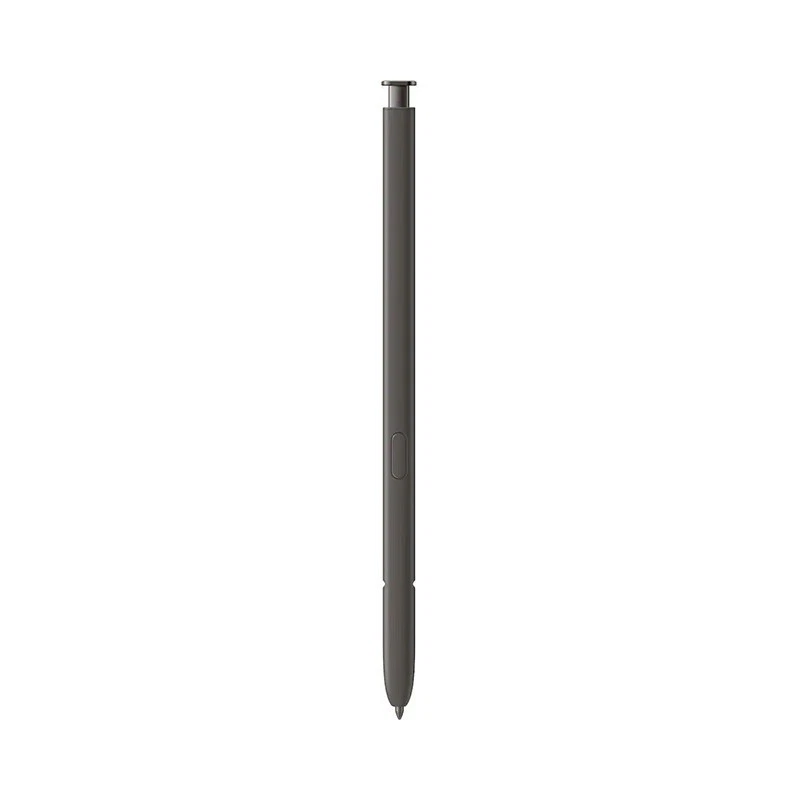
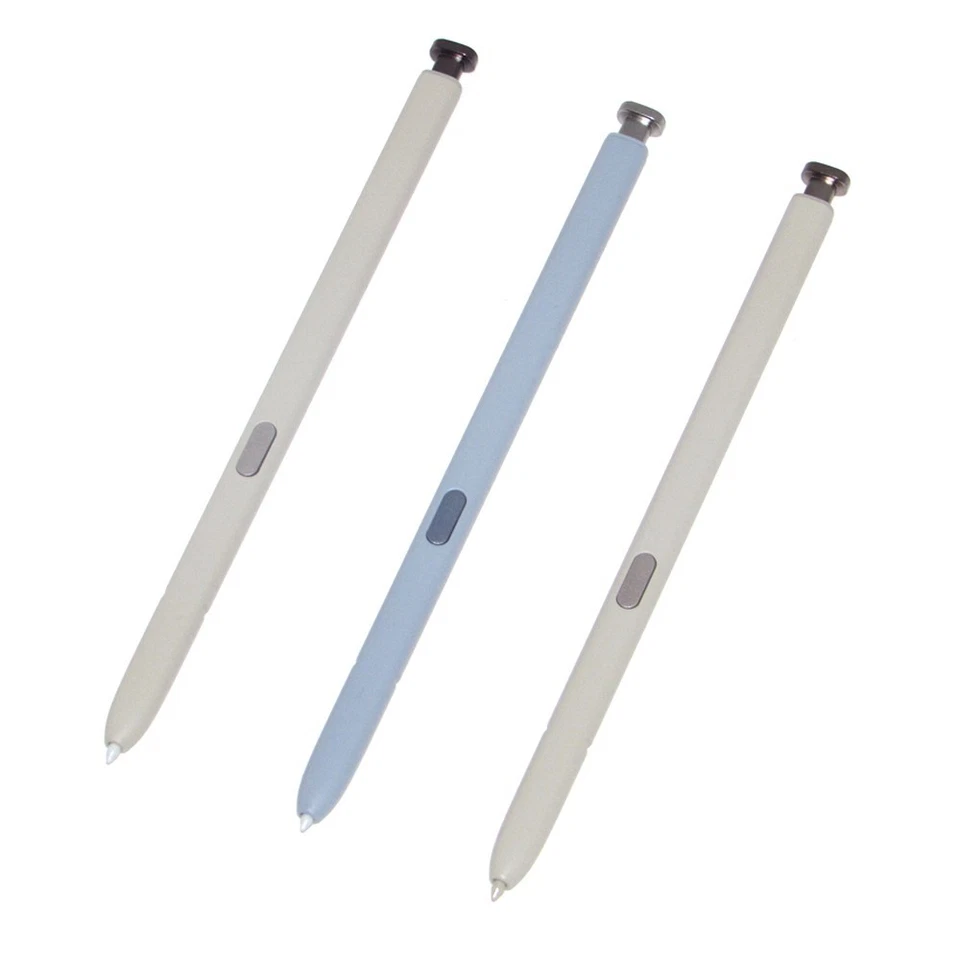
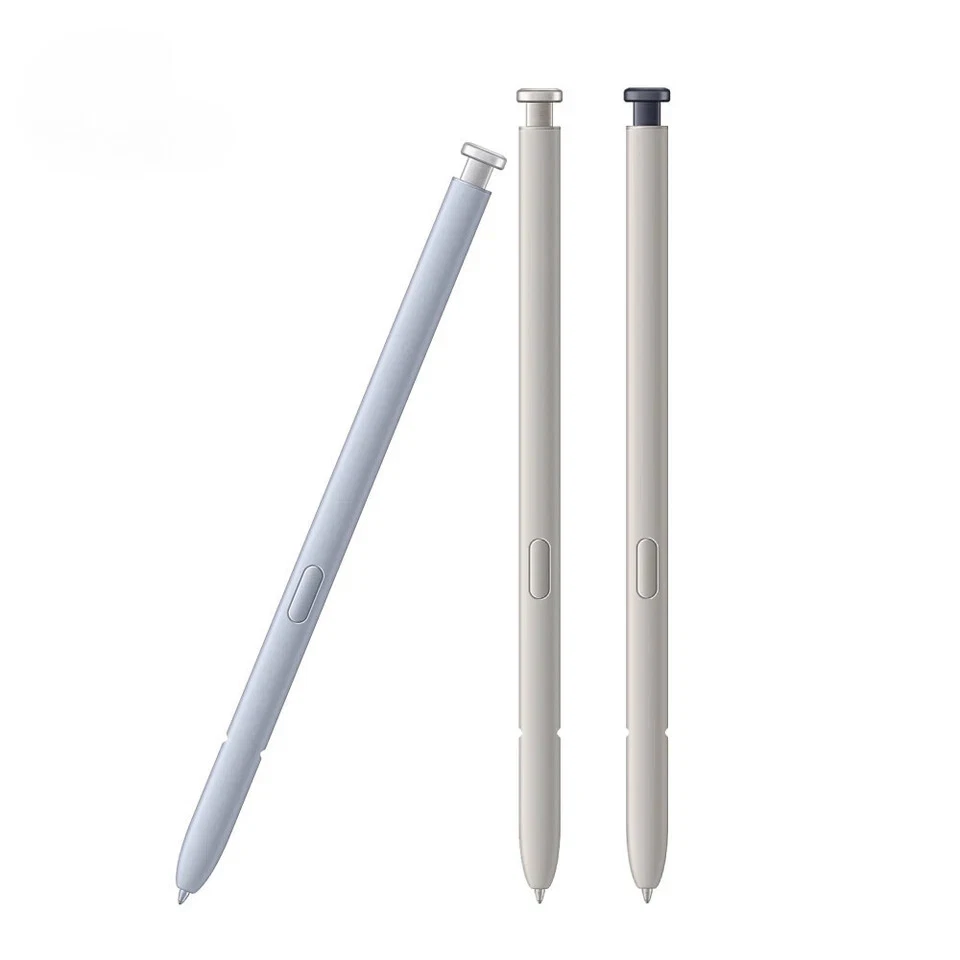
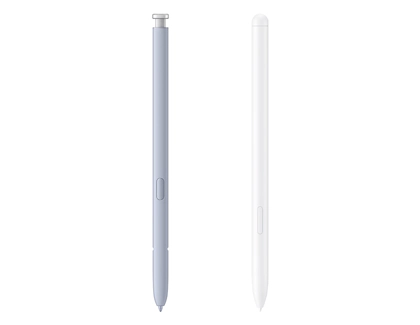
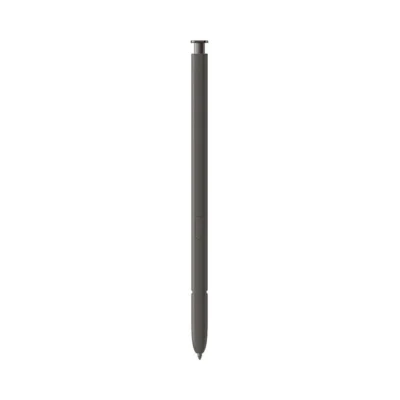
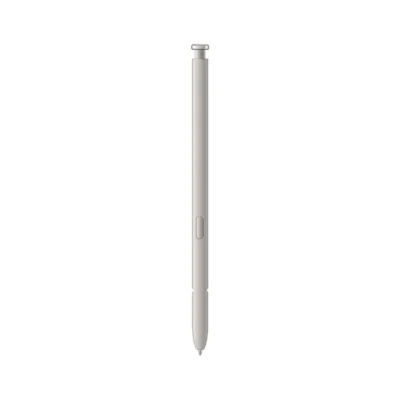
The Samsung Galaxy S23 Ultra S Pen price in Kenya is Ksh 8,000 at Ringgs Phone Store. It is a Bluetooth-enabled replacement pen that fits inside the S23 Ultra and supports handwriting, pressure-sensitive drawing, Air Command, remote photography and compatible Air Action gestures.
Call or WhatsApp 0724 000144 to confirm your preferred colour and current availability.
What Makes This S Pen Useful?
It Returns the Features You Already Paid For
The Galaxy S23 Ultra includes dedicated hardware and software for S Pen input. Leaving the slot empty means losing access to some of the phone’s most practical functions, even though the rest of the handset continues to operate normally.
Replacing the pen lets you use the S23 Ultra as Samsung intended: write directly on the screen, make close selections, control supported applications remotely and keep the stylus stored safely inside the phone.
The Tip Goes Where Your Finger Cannot
The 0.7mm tip helps when an on-screen element is too small for comfortable finger control. It can place a cursor between characters, trace around an object or mark one line in a crowded document.
Its 4,096 pressure levels also make writing and drawing more expressive. Compatible applications can interpret a gentle touch as a thin stroke and firmer pressure as a heavier line.
It Doubles as a Pocket-Sized Remote
Bluetooth lets you control selected Galaxy S23 Ultra functions while standing away from the device. This is useful when the phone is mounted on a tripod, connected to a display or positioned where touching it would interrupt what you are doing.
The working distance can reach approximately 10 metres in open surroundings. Obstacles and wireless interference may reduce the actual range.
What Can You Do with It?
Photograph Yourself without Racing a Timer
Position the Galaxy S23 Ultra, compose the frame and press the S Pen button when you are ready. It works well for group pictures, travel photographs, demonstrations and personal content.
Compatible Air Action gestures can also switch cameras or control selected camera settings. Available commands depend on the application, software version and your chosen S Pen configuration.
Capture a Thought on the Locked Screen
Remove the S Pen while the screen is off and begin writing through Screen Off Memo. There is no need to unlock the phone, locate Samsung Notes and create a new page first.
Use it for a price, room number, customer request, reminder or idea that needs to be saved immediately.
Mark Screens and Documents Clearly
Screen Write takes a screenshot and prepares it for annotation. You can circle the important section, add an arrow or write a short explanation before sharing it.
The S Pen can also help with compatible PDFs and forms. Its narrow tip makes it easier to write in small spaces than using a finger.
Control Slides and Media
In supported applications, Bluetooth controls can advance a presentation, pause media or move through photographs. This gives teachers, sales professionals and trainers more freedom to speak without standing beside the phone.
Extract and Translate Information
Smart Select helps capture a particular section of the screen. Translate can provide supported translations when you hover over text, while Magnify enlarges small content without changing the entire page.
Availability may vary according to the application, language, internet connection and phone software.
How Bluetooth Power Works
The S23 Ultra S Pen carries a small internal power source for Bluetooth commands. It charges automatically whenever you store it inside the phone.
Samsung states that a complete charge takes approximately seven minutes. That charge can provide around 20 minutes of continuous Air Action use or up to 24 hours of standby time, depending on usage conditions.
The pen does not need battery power for ordinary writing. If it still writes but no longer controls the camera, insert it into the phone and allow it to charge before attempting a reset.
Samsung documents the model’s 0.7mm tip, 4,096 pressure levels, remote controls and colour choices on its official Galaxy S23 Ultra S Pen page.
Compatibility: Check Before You Buy
The EJ-PS918 is the model-specific replacement for the Samsung Galaxy S23 Ultra. It is not designed for the Galaxy S23, Galaxy S23+, Galaxy S23 FE or Galaxy Z Fold series.
Some S Pens can write on more than one Samsung device equipped with a compatible digitiser. However, writing support does not guarantee that Bluetooth controls, charging or the internal storage fit will work.
The correct S23 Ultra S Pen provides:
- The intended physical dimensions
- Secure storage inside the handset
- Automatic charging
- Bluetooth pairing with the S23 Ultra
- Compatible Air Actions
- Reliable removal and insertion detection
Check Settings → About phone if you are uncertain whether your handset is the Ultra model.
Is This the Right Replacement for You?
This S Pen is a sensible purchase if:
- You misplaced the pen supplied with your S23 Ultra.
- The original body has snapped or bent.
- Its tip no longer produces consistent input.
- The button has become unreliable.
- Air Actions no longer work after troubleshooting.
- You received the phone without its built-in stylus.
- You use the camera remote frequently.
- You want a spare pen for future replacement.
- You plan to sell the phone as a complete device.
If the pen only needs a new nib, check whether a suitable replacement tip can correct the problem before purchasing the entire accessory.
Before Leaving the Shop
Test the S Pen with your own Galaxy S23 Ultra whenever possible.
- Write several sentences inside Samsung Notes.
- Draw lines from one side of the display to the other.
- Test both light and firm pressure.
- Hover the tip and follow the on-screen pointer.
- Press the button near the display to open Air Command.
- Insert the S Pen and check whether the phone detects it.
- Allow it to recharge.
- Connect or reset Air Actions.
- Test the camera shutter from a short distance.
- Confirm that the pen sits securely inside the slot.
A compatible pen should slide into place without force. Stop if it catches or feels unusually tight.
When the S Pen May Not Be the Problem
Broken lines and unresponsive screen areas can result from magnetic interference. Remove cases, ring holders and magnetic car-mount plates before testing the replacement again.
If several compatible pens fail over the same area, the screen’s S Pen digitiser may have a fault even when normal finger touch still works.
For connection problems, open Settings → Advanced features → S Pen → Air Actions and reset the pen. Keep it inside the phone while the connection process completes.
If writing works but remote commands do not, check charging and Air Action settings before assuming the tip is defective.
Buy the S23 Ultra S Pen in Nairobi
Buy the Samsung Galaxy S23 Ultra S Pen for Ksh 8,000 from Ringgs Phone Store in Nairobi CBD.
Call or WhatsApp 0724 000144 to confirm stock and colour availability. Visit us at St. Ellis House, City Hall Way, opposite the Supreme Court, Nairobi.
Our central location serves customers from Nairobi CBD, Westlands, Parklands, Ngara, Pangani, Eastleigh, Kilimani, South B, South C and other nearby areas.
Continue Your Galaxy Search
Searching for an S23 Ultra replacement S Pen in Kenya, an EJ-PS918 stylus in Nairobi or dependable support for your Samsung phone? Explore these Ringgs Phone Store categories:
- Browse available Samsung smartphones in Kenya.
- Find Samsung Galaxy Screen Replacement services.
- View Samsung Galaxy battery replacement options.
Frequently Asked Questions
1. What is the Samsung Galaxy S23 Ultra S Pen price in Kenya?
The Samsung Galaxy S23 Ultra S Pen costs Ksh 8,000 at Ringgs Phone Store in Nairobi CBD.
2. Where can I buy an S23 Ultra S Pen in Nairobi?
You can buy it from Ringgs Phone Store at St. Ellis House, City Hall Way, opposite the Supreme Court. Call or WhatsApp 0724 000144 before visiting.
3. Does the Galaxy S23 Ultra S Pen support Bluetooth?
Yes. Bluetooth enables remote camera control, Air Actions and compatible gesture commands.
4. Can the S23 Ultra S Pen take photographs remotely?
Yes. Pair and charge the S Pen, open the camera and press its button to capture a photograph remotely.
5. How do I charge the S23 Ultra S Pen?
Insert it completely into the S23 Ultra’s internal compartment. The phone charges the pen automatically.
6. How long does the S23 Ultra S Pen take to charge?
Samsung states that a full charge takes approximately seven minutes. Charging and operating times may vary with conditions.
7. Can I continue writing when the Bluetooth charge runs out?
Yes. Basic writing can continue without Bluetooth power. Air Actions and remote controls require a sufficient charge.
8. Will this pen work with the Galaxy S23 FE?
No. The Galaxy S23 FE does not have the Ultra model’s integrated S Pen system or internal storage compartment.
9. Why does my replacement S Pen write but fail to connect?
It may require charging, Bluetooth Air Actions may be disabled or the pen may need a reset. It could also be an incompatible S Pen that supports writing but not S23 Ultra remote functions.
10. Can I use the S23 Ultra S Pen on a Galaxy Z Fold?
No. Galaxy Z Fold displays require a compatible Fold Edition S Pen with a tip mechanism designed for the foldable screen.
There are no reviews yet.