
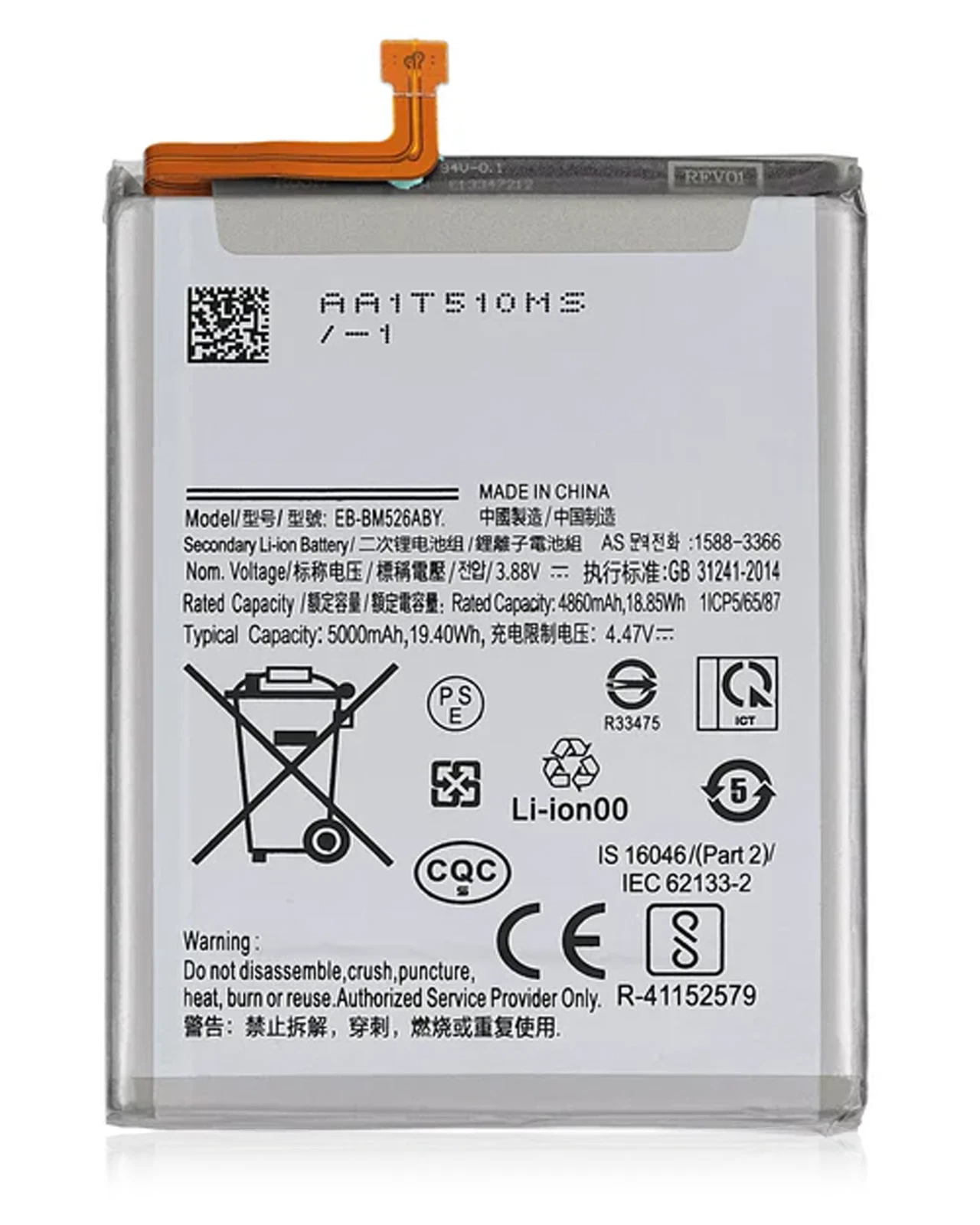
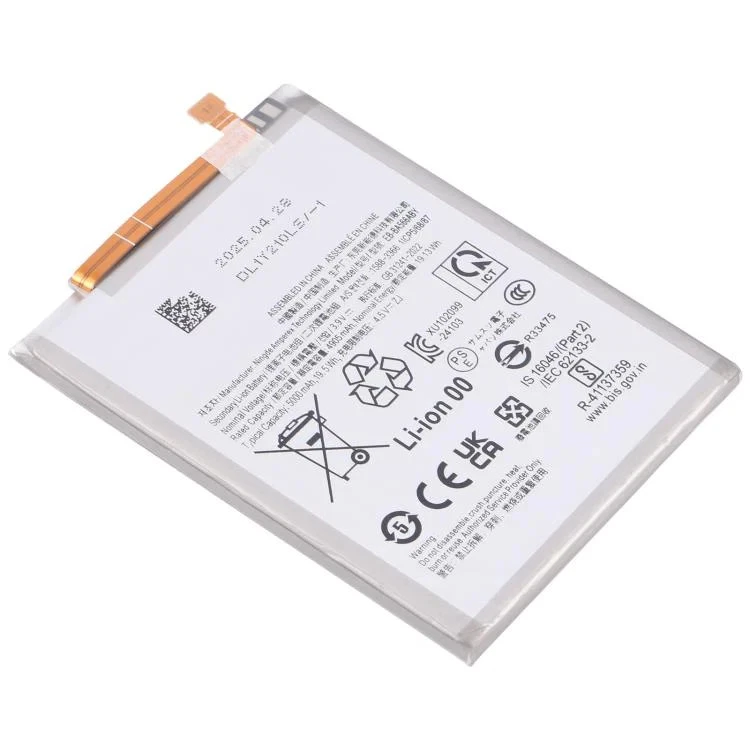
Product details
The Galaxy A25 5G draws power for its 5G connection, 120Hz AMOLED display, camera, stereo speakers and background applications. A healthy battery supports these features without forcing you to search for a charger throughout the day.
Battery performance declines naturally as charging cycles accumulate. Ringgs Phone Store tests the A25’s battery and charging system before replacement so we can separate normal battery ageing from cable, adapter, USB-C port and software problems.
Samsung A25 Battery Replacement Price in Kenya
Samsung Galaxy A25 battery replacement costs KSh 4,500 at Ringgs Phone Store in Nairobi CBD. The quotation covers the confirmed compatible battery option and installation.
Contact us before visiting because battery stock can change. Sharing the complete SM-A256 code helps us prepare the correct component and reduce waiting time.
A25 Battery Capacity and 25W Charging
Samsung equipped the Galaxy A25 5G with a 5,000mAh typical battery and support for wired charging at up to 25W. The phone uses a built-in battery that users should not attempt to remove at home.
Samsung lists the capacity on its official Galaxy A25 specifications page. Its official A25 specification sheet also confirms support for charging at up to 25W.
A compatible charger and cable must support the required charging standard to reach the phone’s fastest wired rate. The phone may charge more slowly with an unsuitable adapter, damaged cable or high temperature.
Signs the A25 Battery Has Lost Capacity
Consider battery testing when your Galaxy A25:
- Loses a large percentage during light use
- Needs charging several times each day
- Shuts down before reaching 0%
- Restarts while recording video
- Drops rapidly when using 5G or a mobile hotspot
- Struggles during gaming or navigation
- Shows an unstable battery percentage
- Charges to 100% but drains soon afterwards
- Becomes unusually hot during simple tasks
- Stops charging before reaching full capacity
- Shows poor battery status in Samsung Members
- Develops a raised back cover or lifted screen
One symptom alone does not always prove battery failure. Usage patterns, network conditions and faulty charging accessories can create similar behaviour.
How 5G and 120Hz Affect Battery Use
The A25 may consume more power when it searches for a weak 5G signal or switches repeatedly between network types. A mobile hotspot, video streaming and large downloads can increase demand further.
The phone’s 120Hz display also refreshes more frequently than a standard 60Hz screen. High brightness and extended screen-on time can therefore reduce daily endurance even when the battery remains healthy.
Review signal strength, brightness and active applications before comparing battery life across different days.
Check Battery Usage Before Replacing the Battery
Open Settings > Battery to see which applications use the most power. Look for an unfamiliar application with heavy background activity or a normally efficient app that suddenly consumes much more energy.
Samsung Members can also run a battery diagnostic:
- Open Samsung Members.
- Select Support.
- Open Phone diagnostics.
- Choose Battery status.
A poor diagnostic result, rapid drain and unexpected shutdowns together provide stronger evidence of battery wear than screen-on time alone.
Why 25W Charging May Stop Working
A worn battery can affect charging, but first check other likely causes:
- A charger that does not support the required standard
- A damaged or low-quality USB cable
- Dirt compacted inside the USB-C port
- Moisture or corrosion in the charging area
- Heavy application use while charging
- High phone temperature
- Disabled fast-charging settings
- Damage to the charging board
- An unstable wall socket or power source
We test the phone’s charging response before fitting a battery. This prevents unnecessary replacement when the USB-C port or accessory causes the problem.
What Sudden Shutdowns Can Tell You
An ageing battery may struggle to maintain voltage when the processor, camera or mobile network requests more power. The phone can shut down even though the screen still shows remaining charge.
Take note of what you were doing before the shutdown. Camera recording, navigation, gaming and hotspot use can expose battery weakness more clearly than standby use.
Act Quickly if the A25 Battery Swells
A swollen battery may push the back panel or screen away from the frame. Do not continue treating the phone as normal.
- Switch the device off.
- Unplug the charging cable.
- Do not force the back cover down.
- Do not puncture or bend the battery.
- Keep the phone away from heat and flames.
- Arrange professional inspection promptly.
Avoid charging a phone that shows swelling. Pressure or heat can increase the safety risk.
What Our Technician Checks
During the A25 battery service, we inspect:
- The full model code
- Battery condition
- Signs of swelling
- Phone and battery temperature
- USB-C port condition
- Charger and cable response
- Charging recognition
- Percentage stability
- Power-on behaviour
- Unexpected restarts
- Back-panel alignment
- Screen lifting caused by pressure
- Basic charging performance after installation
Battery endurance requires normal use over time, so a brief shop test cannot predict an exact number of hours. Usage, applications and network strength will continue to affect runtime.
Expected A25 Battery Replacement Time
We usually complete Samsung Galaxy A25 battery replacement within one hour when the compatible battery is ready and the phone has no extra faults.
A damaged USB-C port, distorted frame, lifted screen or liquid exposure may require more work. We will discuss any additional repair, cost and time before proceeding.
Getting Better Life From the New Battery
Use practical charging habits to reduce avoidable heat and wear:
- Use a compatible charger and reliable USB-C cable.
- Avoid demanding games while charging.
- Keep the phone out of direct sunlight and hot vehicles.
- Update applications that consume excessive power.
- Restrict unnecessary background activity.
- Lower brightness when you do not need maximum visibility.
- Turn off the hotspot when you finish using it.
- Use battery-protection settings when they suit your routine.
- Disconnect the charger if the phone becomes unusually hot.
Modern lithium-ion batteries do not require repeated charging from 0% to 100%. Charge the A25 when convenient and avoid forcing it through deep discharges.
Arrange A25 Battery Replacement in Nairobi CBD
Visit Ringgs Phone Store at St. Ellis House, City Hall Way, opposite the Supreme Court, Nairobi CBD.
Call or WhatsApp 0724 000144. Tell us whether the A25 drains quickly, restarts, charges slowly, overheats or shows signs of swelling.
Explore More Samsung Products and Repair Services
Samsung A25 battery replacement Nairobi, Galaxy A25 battery repair, Samsung fast-charging diagnosis Nairobi CBD, Samsung phone repair centre Kenya.
- Explore more Samsung Galaxy Battery Replacement services.
- View our Samsung Galaxy Screen Replacement options.
- Browse available Samsung smartphones in Kenya.
Frequently Asked Questions
1. What is the Samsung A25 battery replacement price in Kenya?
Samsung Galaxy A25 battery replacement costs KSh 4,500 at Ringgs Phone Store in Nairobi CBD.
2. How long does A25 battery replacement take?
We usually complete the service within one hour when the compatible battery is available and the phone has no additional charging, frame or internal faults.
3. Does the KSh 4,500 price include installation?
Yes. The quotation covers the confirmed compatible battery option and installation after we verify the complete SM-A256 model code.
4. What battery capacity does the Galaxy A25 have?
Samsung specifies a typical capacity of 5,000mAh. The rated minimum capacity may be slightly lower because battery samples naturally vary.
5. Does the Galaxy A25 support 25W charging?
Yes. The phone supports wired charging at up to 25W with a compatible charger and cable. Charging speed can decrease when the phone becomes hot or remains in heavy use.
6. Why does the battery drain faster while using 5G?
Weak signal, network switching, large downloads and hotspot use can increase power consumption. These conditions may shorten runtime even when the battery remains functional.
7. How can I check the A25 battery condition?
Open Samsung Members, choose Support, select Phone diagnostics, then open Battery status. A technician can provide further assessment when the result or symptoms indicate wear.
8. What should I do if the back cover starts lifting?
Stop using and charging the phone. Do not press the cover into place or puncture the battery. Bring the device for professional inspection.
9. Will battery replacement erase my data?
Battery replacement normally leaves your applications and personal files intact. Back up important information before hardware repair as a precaution.
There are no reviews yet.