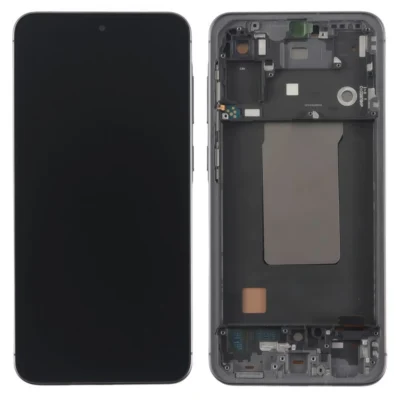
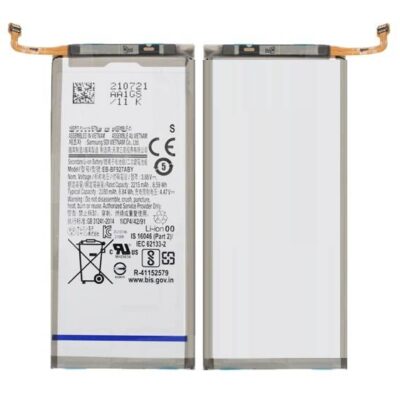
Product details
The Galaxy Note20 Ultra combines a large 120Hz display, S Pen functionality, advanced cameras and Samsung DeX. These features place considerable demand on an ageing battery. Once capacity declines, the phone may require frequent charging, lose power during demanding tasks or shut down before the battery indicator reaches zero.
Our battery replacement service targets genuine power-related problems while protecting the phone’s other essential functions. We inspect the device first because background applications, poor network reception, charging accessories and hardware faults can also cause rapid power loss.
Common Signs of a Worn Note20 Ultra Battery
Your phone may need a battery assessment if it:
- Drains much faster than it did previously
- Switches off while showing a remaining charge
- Restarts when recording video or using demanding applications
- Requires several charging sessions each day
- Becomes unusually warm during light use
- Charges slowly with compatible equipment
- Shows a Weak or Bad battery status
- Has a raised or separating rear cover
Samsung lists rapid battery drain and unexpected shutdowns among the signs of battery deterioration. You can also open Samsung Members, select Support, enter Phone diagnostics, and choose Battery status. Samsung explains this process in its official battery replacement guidance.
Understanding the Note20 Ultra’s 4,500mAh Battery
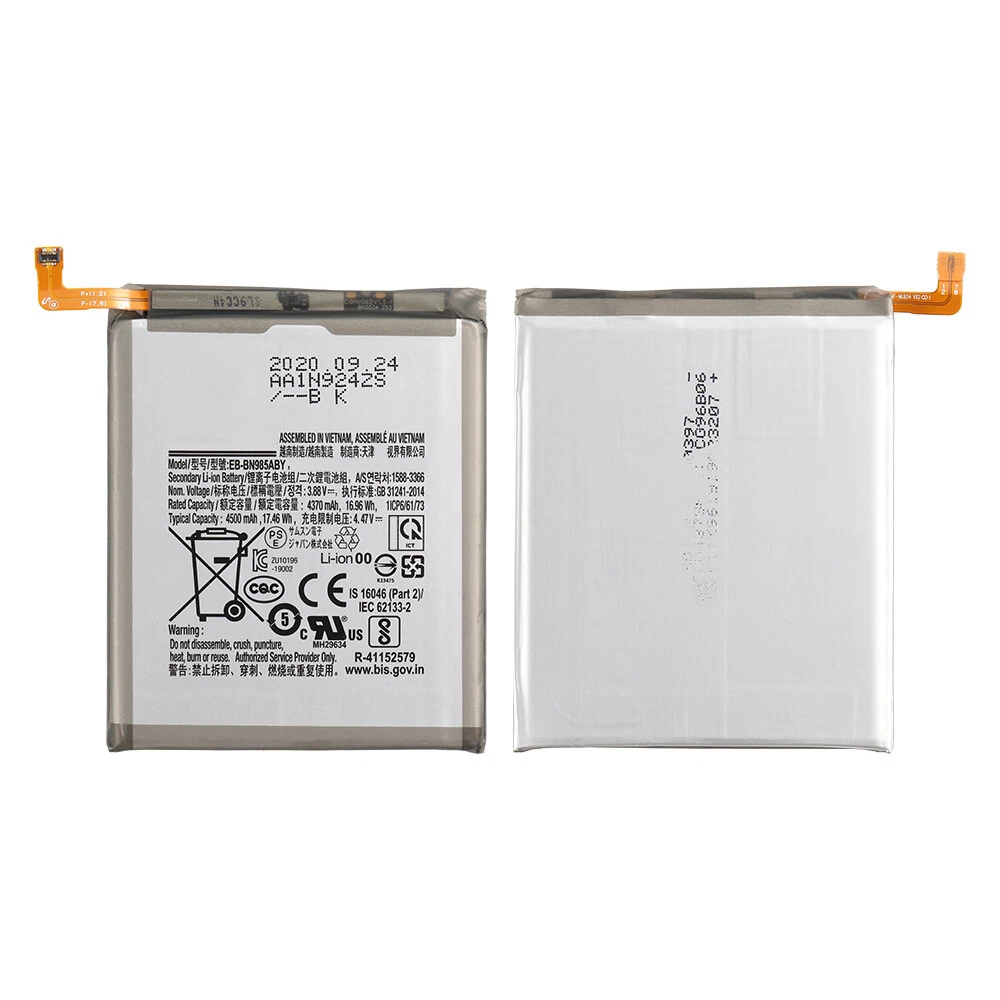
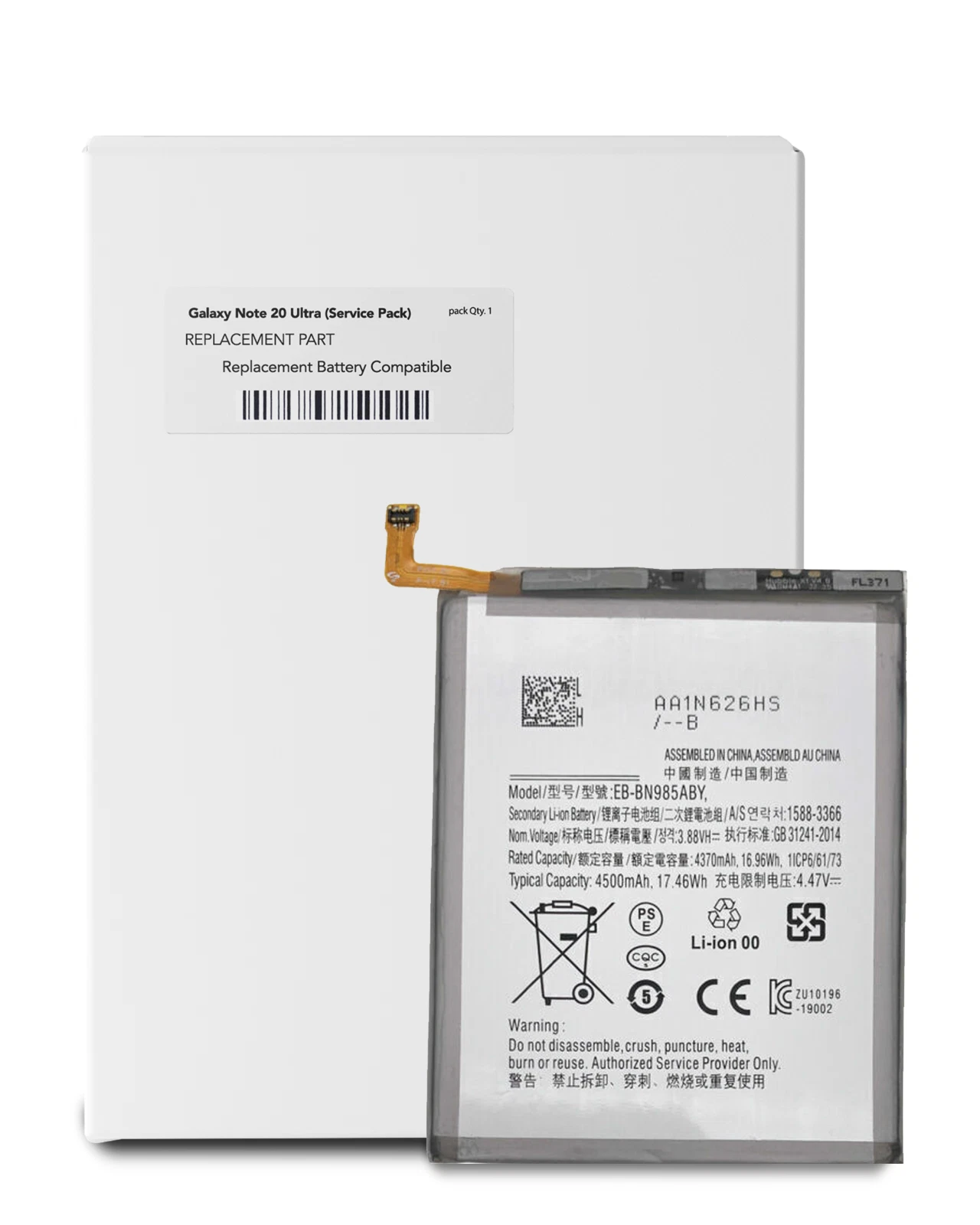
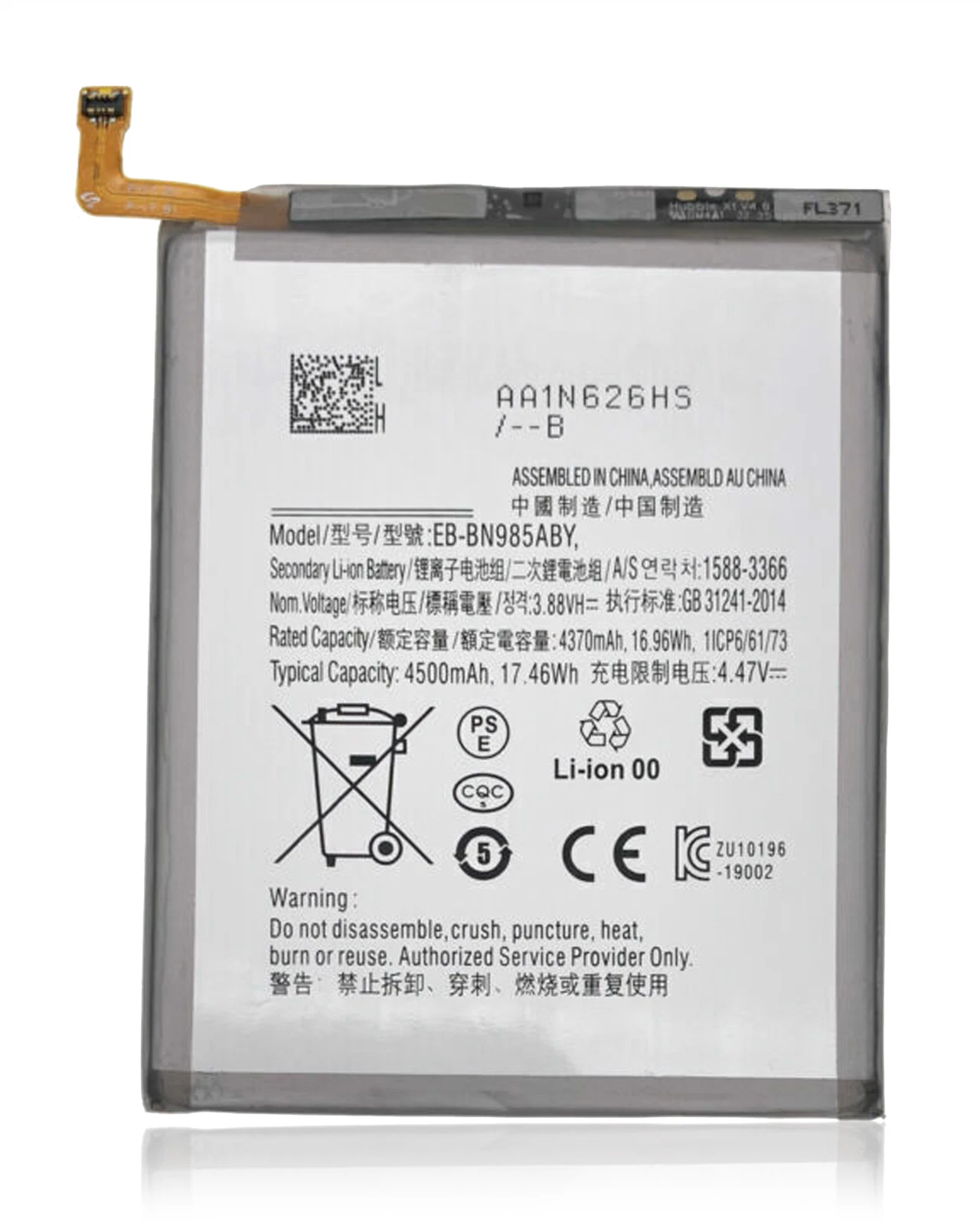
Samsung equipped the Galaxy Note20 Ultra with a 4,500mAh typical battery and a rated minimum capacity of 4,400mAh. It supplies power to the Dynamic AMOLED 2X display, S Pen features, camera system, mobile connectivity and other flagship hardware.
Rechargeable batteries gradually lose usable capacity through charging cycles, heat and everyday ageing. Replacing a heavily degraded battery can improve power stability and reduce premature shutdowns. However, actual battery life will still depend on screen brightness, refresh rate, applications, signal strength, temperature and individual usage.
Samsung’s Galaxy Note20 Ultra support page confirms the phone’s battery specifications.
Diagnosis Before Battery Replacement
Not every charging or power problem originates from the battery. Our inspection may also consider:
- A damaged or contaminated USB-C port
- An unreliable charging cable
- An incompatible or defective power adapter
- Excessive background application activity
- Poor mobile reception increasing energy consumption
- Software processes affecting standby time
- Charging-board problems
- Motherboard or power-management faults
- Excessive heat interrupting normal charging
Proper diagnosis prevents unnecessary replacement when another part causes the symptoms.
Charging Features Require Careful Testing
The Note20 Ultra supports 25W Super Fast Charging, wireless charging and Wireless PowerShare. We therefore examine more than the phone’s ability to switch on after fitting the battery.
Our post-installation checks cover battery recognition, cable charging, startup and basic power stability. Where practical, we also test wireless charging and Wireless PowerShare. Samsung’s official Note20 series technical sheet provides further information about these charging features.
What to Do If the Battery Is Swollen
Stop using and charging the phone if its rear cover begins to lift, its body changes shape or you suspect battery swelling. Do not press the cover back into position, bend the device, puncture the battery or expose it to heat.
Place the phone away from flammable materials and seek professional assessment promptly. A swollen lithium-ion battery requires controlled handling and must not enter ordinary household waste.
Water Resistance After Opening the Phone
Samsung originally gave the Galaxy Note20 Ultra an IP68 water- and dust-resistance rating under controlled laboratory conditions. Accessing its built-in battery requires opening the rear cover and disturbing the original adhesive seals.
We can reseal the device during reassembly, but factory water resistance cannot be guaranteed after repair. Protect the phone from rain, spills, steam and deliberate water exposure once it has been opened.
Checks Completed After Installation
Before returning the phone, we examine relevant functions such as:
- Battery recognition
- Wired charging response
- Startup and restart stability
- USB-C connection
- Abnormal heating during basic use
- Rear-cover fit and alignment
- Touchscreen and physical buttons
- S Pen detection and basic interaction
- Wireless charging where testing conditions allow
These checks help identify installation problems or separate hardware faults before you leave the shop.
Note20 Ultra Battery Replacement in Nairobi CBD
Ringgs Phone Store offers Samsung Galaxy Note20 Ultra battery replacement in Nairobi for KSh 5,000. Visit us at St. Ellis House, City Hall Way, opposite the Supreme Court, Nairobi CBD.
We serve customers from Westlands, Kilimani, Upper Hill, South B, South C, Parklands, Ngara, Eastleigh and other areas around Nairobi. Call or WhatsApp 0724 000144 to confirm availability before travelling.
Explore More Samsung Products and Repair Services
Note20 Ultra battery replacement Nairobi, Samsung Note20 Ultra battery repair, Galaxy Note20 Ultra charging service Nairobi CBD, Samsung battery replacement Kenya.
- Explore more Samsung Galaxy Battery Replacement services.
- View our Samsung Galaxy Screen Replacement options.
- Browse available Samsung smartphones in Kenya.
Frequently Asked Questions
1. How much does Samsung Galaxy Note20 Ultra battery replacement cost in Kenya?
The Samsung Galaxy Note20 Ultra battery replacement price is KSh 5,000 at Ringgs Phone Store in Nairobi CBD.
2. How long does Note20 Ultra battery replacement take?
The service can take approximately one hour after inspection. Completion time depends on battery availability and whether the phone has additional damage.
3. What battery capacity does the Note20 Ultra have?
The Galaxy Note20 Ultra has a 4,500mAh typical battery capacity and a rated minimum capacity of 4,400mAh.
4. Can a replacement battery improve my Note20 Ultra’s battery life?
Replacing a heavily degraded battery can improve usable time and power stability. Actual performance will still vary according to applications, display settings, mobile signal, temperature and usage.
5. Can you replace a swollen Note20 Ultra battery?
Yes, subject to a physical inspection. Stop charging and using the phone if you suspect swelling, and never press down a lifting rear cover.
6. Does the Note20 Ultra support fast charging after battery replacement?
Yes. The phone supports up to 25W wired Super Fast Charging with compatible equipment. A faulty adapter, cable, port or charging circuit may require separate attention.
7. Will wireless charging work after the repair?
We protect the relevant charging components during the procedure and can test wireless charging after reassembly where testing conditions allow.
8. Will the Note20 Ultra remain waterproof after battery replacement?
Do not assume the original factory IP68 protection remains intact after opening the device. Even after resealing, keep the repaired phone away from water and steam.
9. Where can I replace my Note20 Ultra battery in Nairobi?
Visit Ringgs Phone Store at St. Ellis House, City Hall Way, opposite the Supreme Court, Nairobi CBD. Call or WhatsApp 0724 000144 before coming.
There are no reviews yet.